LTE CPE B2368 User's
Guide 5 Wireless WiFi 2.4 / 5 GHz
Issue 01 Copyright © Huawei Technologies Co., Ltd. 37
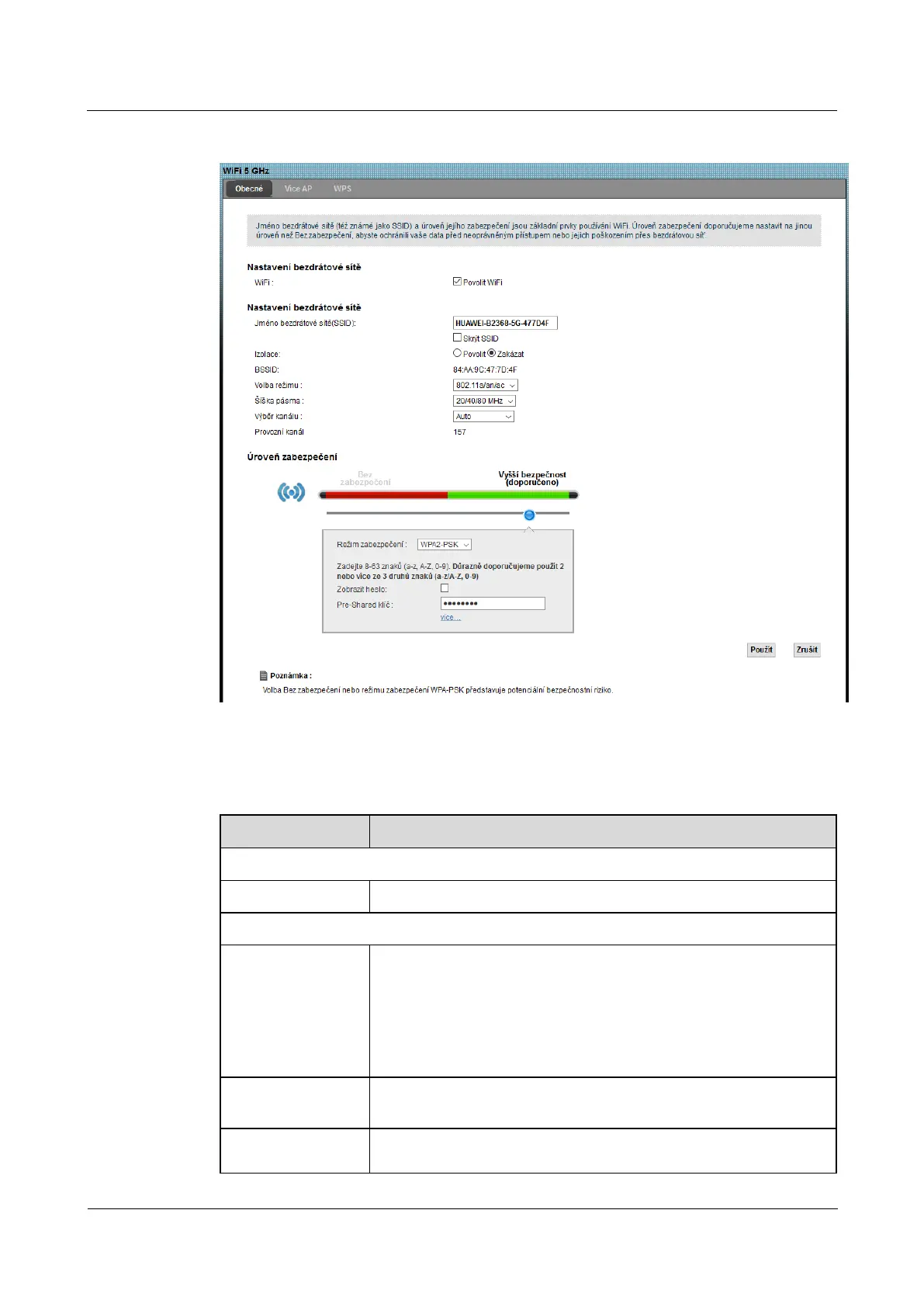
Figure 5-3 Network Settings> WiFi 5 GHz> General Figure 5-3 Network Settings> WiFi 5 GHz> General
The following table summarizes the available fields on this screen.
Table 5-1 Network Settings> WiFi 2.4 GHz / 5 GHz WiFi> General Table 5-1 Network Settings> WiFi 2.4 GHz / 5 GHz WiFi> General
Item Description
Setting up a wireless network
WiFi Wireless network enable the checkbox Enable WiFi.Wireless network enable the checkbox Enable WiFi.
Setting up a wireless network
Wireless network name
(SSID)
The name of the wireless network's SSID (Service Set Identity) is used as an
identifier for the wireless client devices. Wireless devices that use the Access
Point (AP) must use the same SSID.
Enter a descriptive name (up to 32 characters, without diacritics) wireless LAN.
Insulation
Enabling this feature prevents the individual client devices communicate with
each other through the router.
Hide SSID
Check this box to hide the network identifier in the outgoing beacon frame.
Wireless will be for other devices



 To Next Page