LTE CPE B2368 User's
Guide 6 Setting up a home network
Issue 01 Copyright © Huawei Technologies Co., Ltd. 61
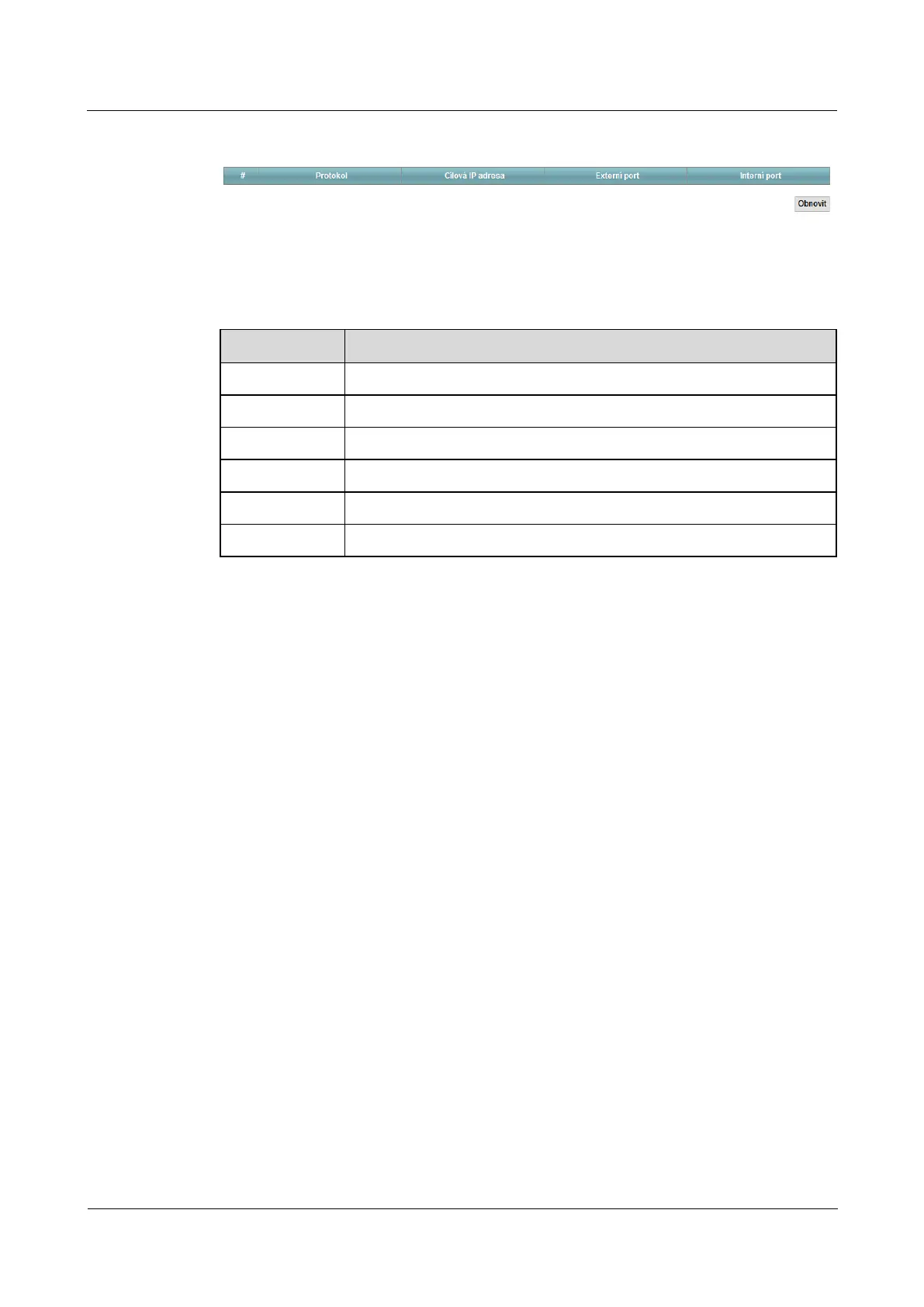
Figure 6-6 Network Settings> Home Network> UPnP list Figure 6-6 Network Settings> Home Network> UPnP list
The following table summarizes the available fields on this screen.
Table 6-5 Network Settings> Home Network> UPnP list Table 6-5 Network Settings> Home Network> UPnP list
Item Description
# Serial number entry in the table.
Protocol IP protocol appropriate UPnP devices or applications on the network.
Destination IP Address IP address of the UPnP device or application on the network.
external port External (public WAN) port that LTE modem assigned to the application.
internal port Internal (LAN) port that LTE modem assigned to the application.
Restore Clicking Restore make reload the table. Clicking Restore make reload the table. Clicking Restore make reload the table.



 To Next Page