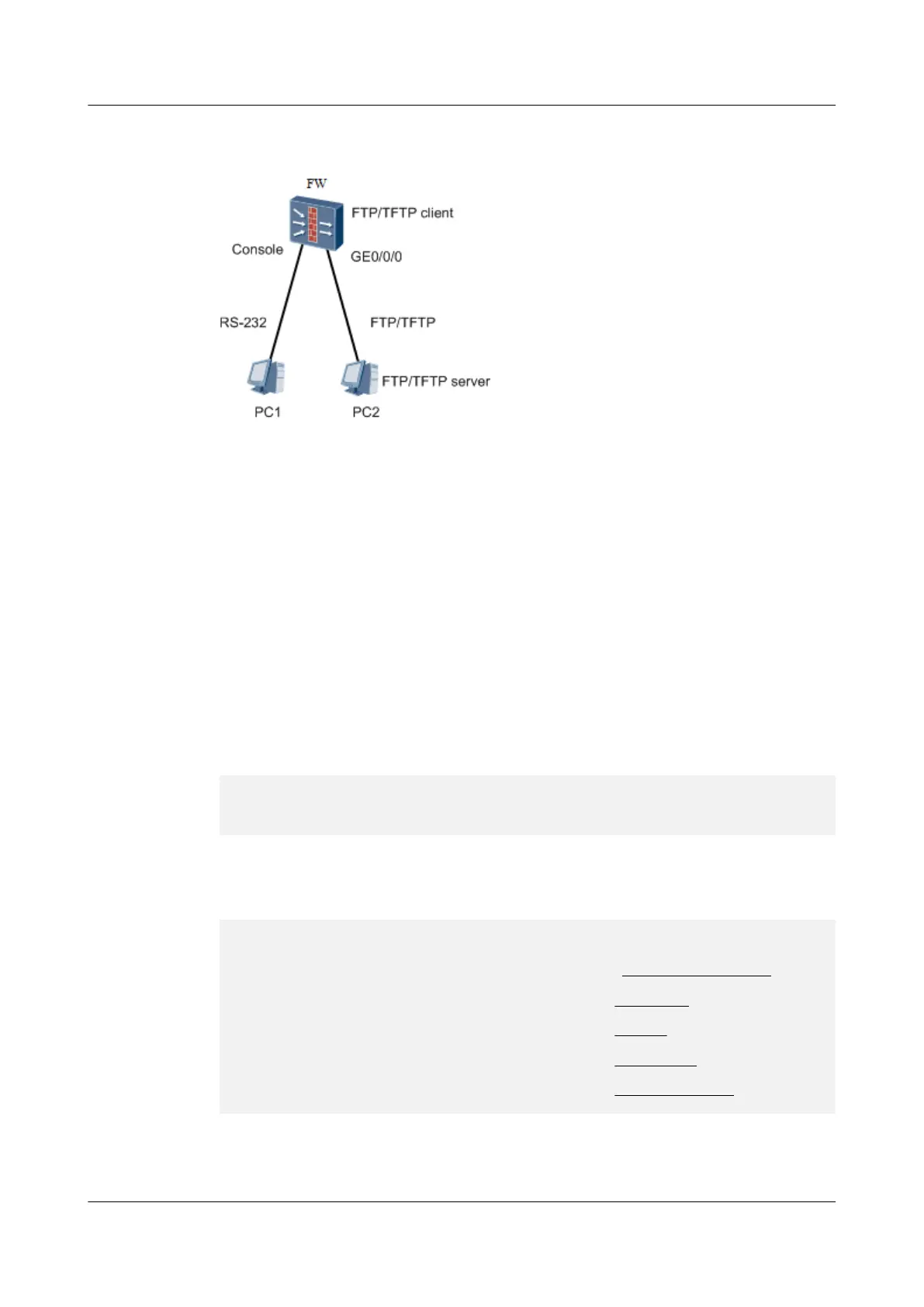
Figure 2-4 Schematic diagram of the USG9500 serving as the FTP/TFTP client
This section uses the USG9500 serving as the FTP client as an example.
This document does not provide the details about the FTP server program. Obtain the FTP
server program in a legitimate way, and configure the program according to related
documents. Assume that you have already created an FTP user account whose name is 123
and password is 123, and specified the root directory of the user as the directory for saving the
downloaded files.
2.2.4.4 Checking the Information About the Current Version Software
Example
In any view, run the display version command to check the information about the running
version software. The following uses V500R001C30SPC100 as an example. Part of output is
omitted.
<USG9500> display version
Huawei Technologies Versatile Security Platform Software
Software Version: USG9520 V500R001C30SPC100 (VSP (R) Software, Version 5.70)
..........
In any view, run the display startup command to check the version software and
configuration file in use. You need to record the underscored file names, facilitating file
backup.
<USG9500> display startup
MainBoard:
Configed startup system software: cfcard:/v500r001c30spc100.cc
Startup system software: cfcard:/v500r001c30spc100.cc
Next startup system software: cfcard:/USG9520V500R001C80SPC100.cc
Startup saved-configuration file: cfcard:/config.cfg
Next startup saved-configuration file: cfcard:/config.cfg
Startup paf file: cfcard:/paf.txt
Next startup paf file: cfcard:/paf.txt
Startup license file: cfcard:/license.txt
Next startup license file: cfcard:/license.txt
Startup patch package: cfcard:/patchpackage.pat
Next startup patch package: cfcard:/patchpackage.pat
2.2.4.5 Checking the License In Use
HUAWEI USG6000&USG9500
Upgrade Guide
2 USG9500
Issue 01 (2018-01-16) Huawei Proprietary and Confidential
Copyright © Huawei Technologies Co., Ltd.
135



 To Next Page