1.3.4.1.4 Querying the Current System Software
Context
The premise is that you have logged in to the Web environment of the device from PC2 using
the Web UI. On the Web UI, you can query the current system software and perform
subsequent operations.
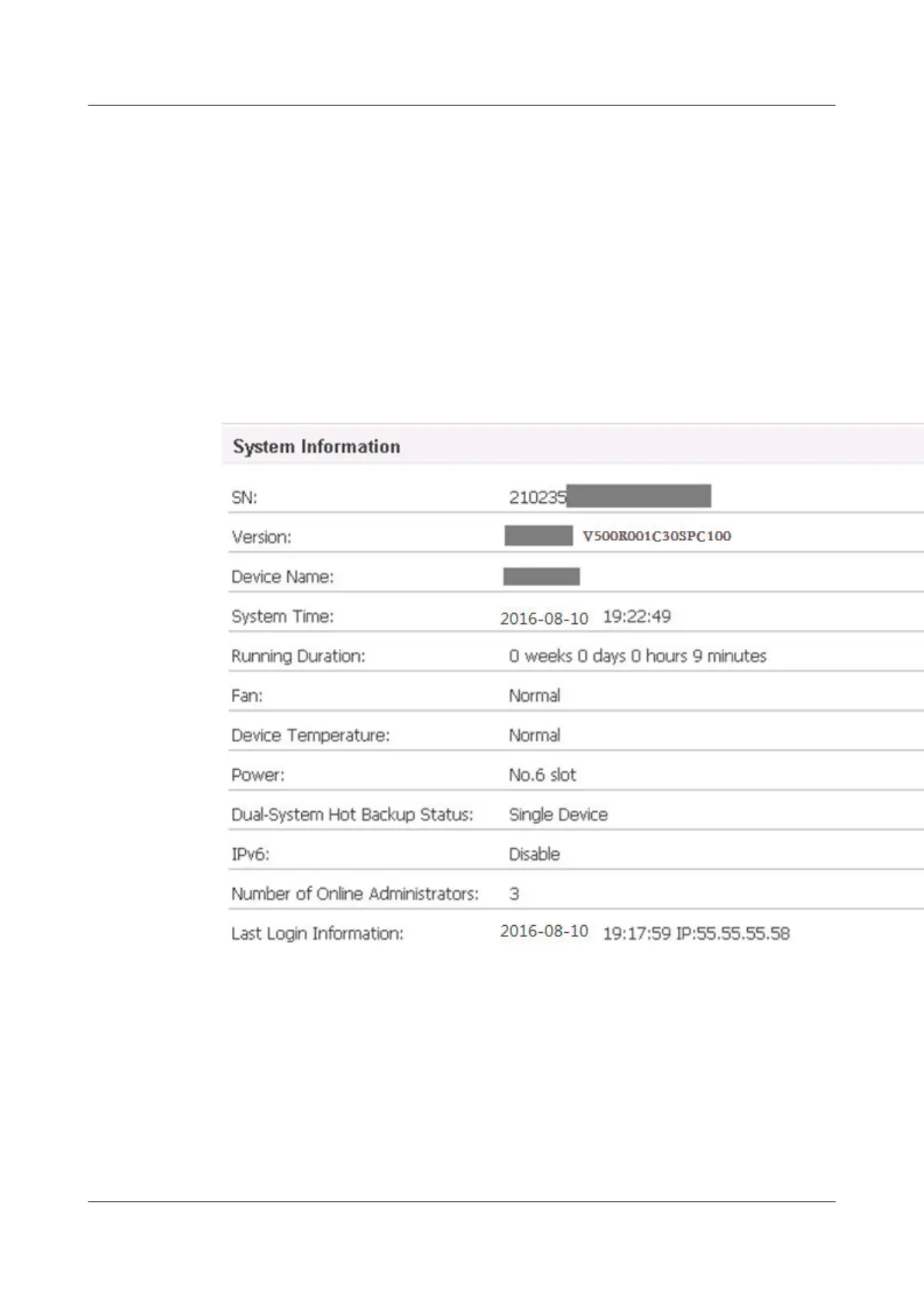
After login, you can query the version information of the running system software in System
Information on the DashBoard page, as shown in Figure 1-3.V500R002C00SPC100 is used
as an example
Figure 1-3 Interface for displaying system information
Click Upgrade at the right side of Version, as shown in Figure 1-4, to query the existing
system software. Record the system software file name for file backup
HUAWEI USG6000&USG9500
Upgrade Guide
1 USG6000
Issue 01 (2018-01-16) Huawei Proprietary and Confidential
Copyright © Huawei Technologies Co., Ltd.
37



 To Next Page