NOTICE
l Each license file corresponds to one equipment serial number (ESN).
l To successfully activate a license file, ensure that the name of the license file (including
the complete absolute path) does not exceed 64 characters. It is recommended that the
name of the license file be as short as possible without spaces
----End
1.3.4.1.6 Checking the Device Operating Status
Prerequisites
After you log in to the Web UI, check the device operating status on the Dashboard page
Checking the CPU, Memory, and Storage Space Usage
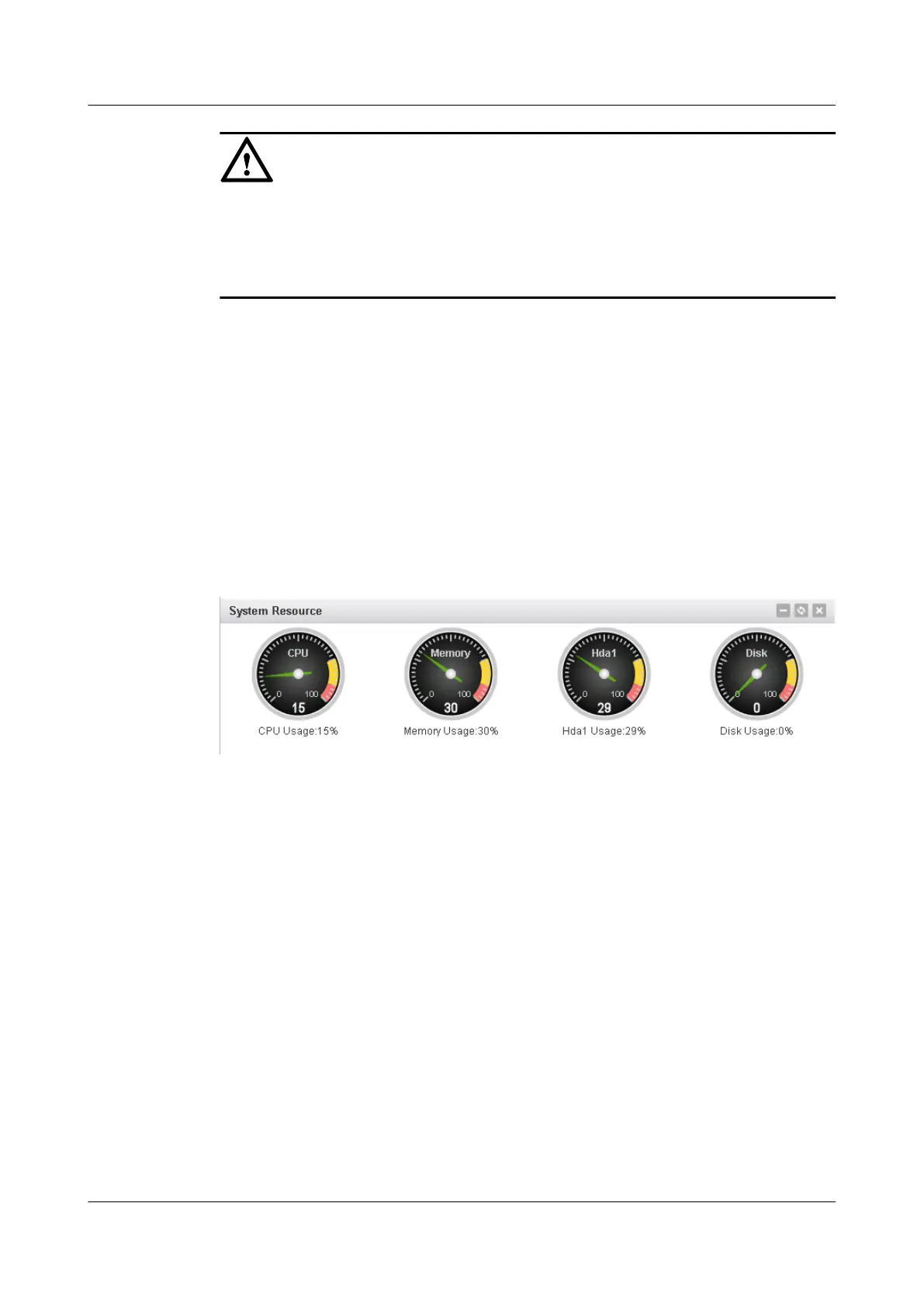
View System Resource on the Dashboard page, as shown in Figure 1-6:
Figure 1-6 Displaying device resource information
Checking System Information
View System Information on the Dashboard page, as shown in Figure 1-7:
HUAWEI USG6000&USG9500
Upgrade Guide
1 USG6000
Issue 01 (2018-01-16) Huawei Proprietary and Confidential
Copyright © Huawei Technologies Co., Ltd.
40



 To Next Page