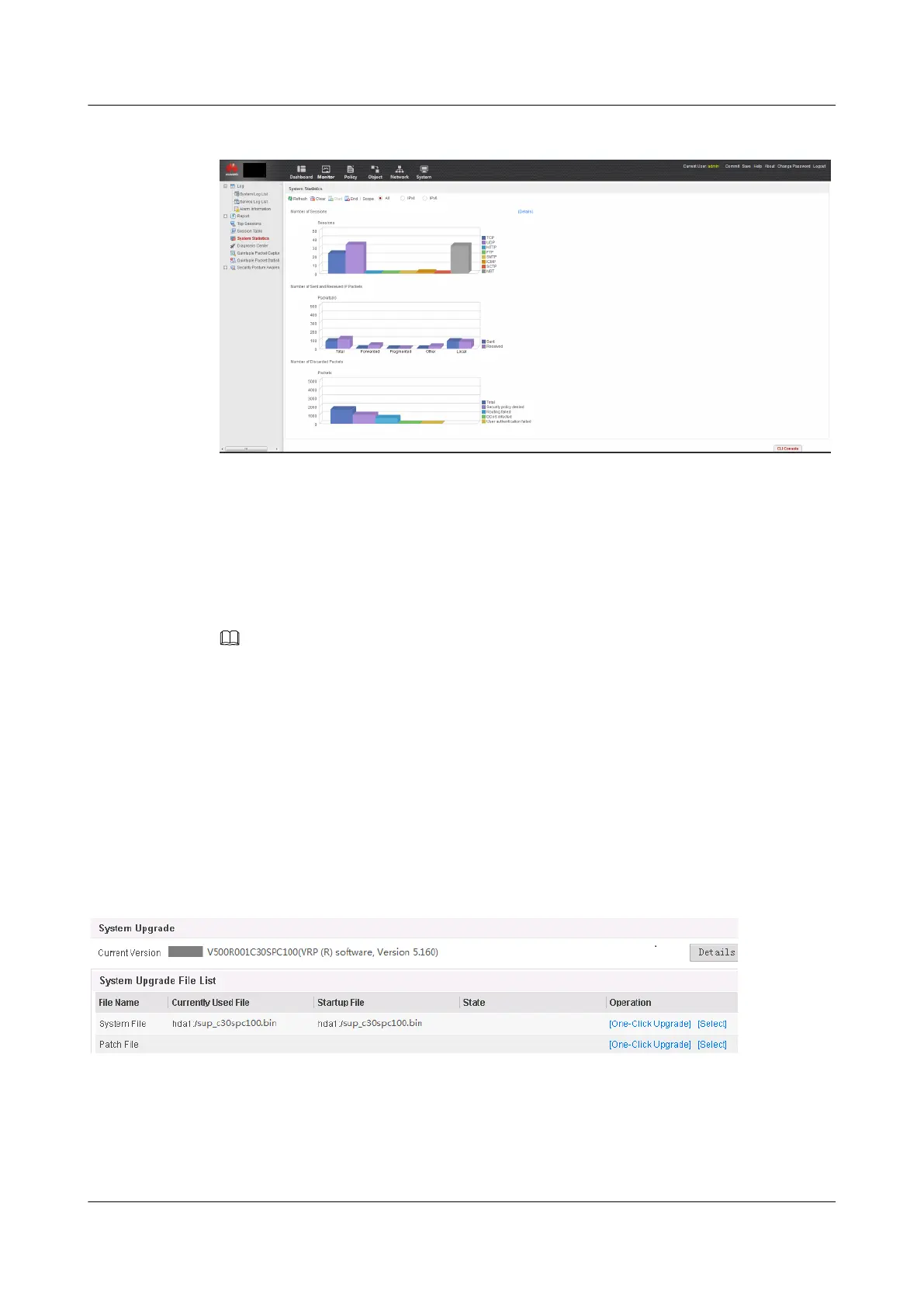
Figure 1-16 Displaying system statistics
1.3.4.1.9 Saving and Backing Up Important Data
Context
Important data includes the current system software, configuration file, license file, patch file,
diagnosis file, signature file, and database files for SSL VPN and user management.
NOTE
The license file, signature file, sensitive feature component package, and database files for SSL VPN
and user management not support export from webpages. Please see Performing the Upgrade Using the
CLI
On the Web UI, you can use One-Touch Version Upgrade to back up important data before
the upgrade.
Procedure
Step 1 Display the System Update pageOn the Web UI, choose System > System Upgrade. On the
System Upgrade page, click One-Touch Version Upgrade.
Figure 1-17 Displaying the System Update page
Step 2 Back up important data.
HUAWEI USG6000&USG9500
Upgrade Guide
1 USG6000
Issue 01 (2018-01-16) Huawei Proprietary and Confidential
Copyright © Huawei Technologies Co., Ltd.
45



 To Next Page