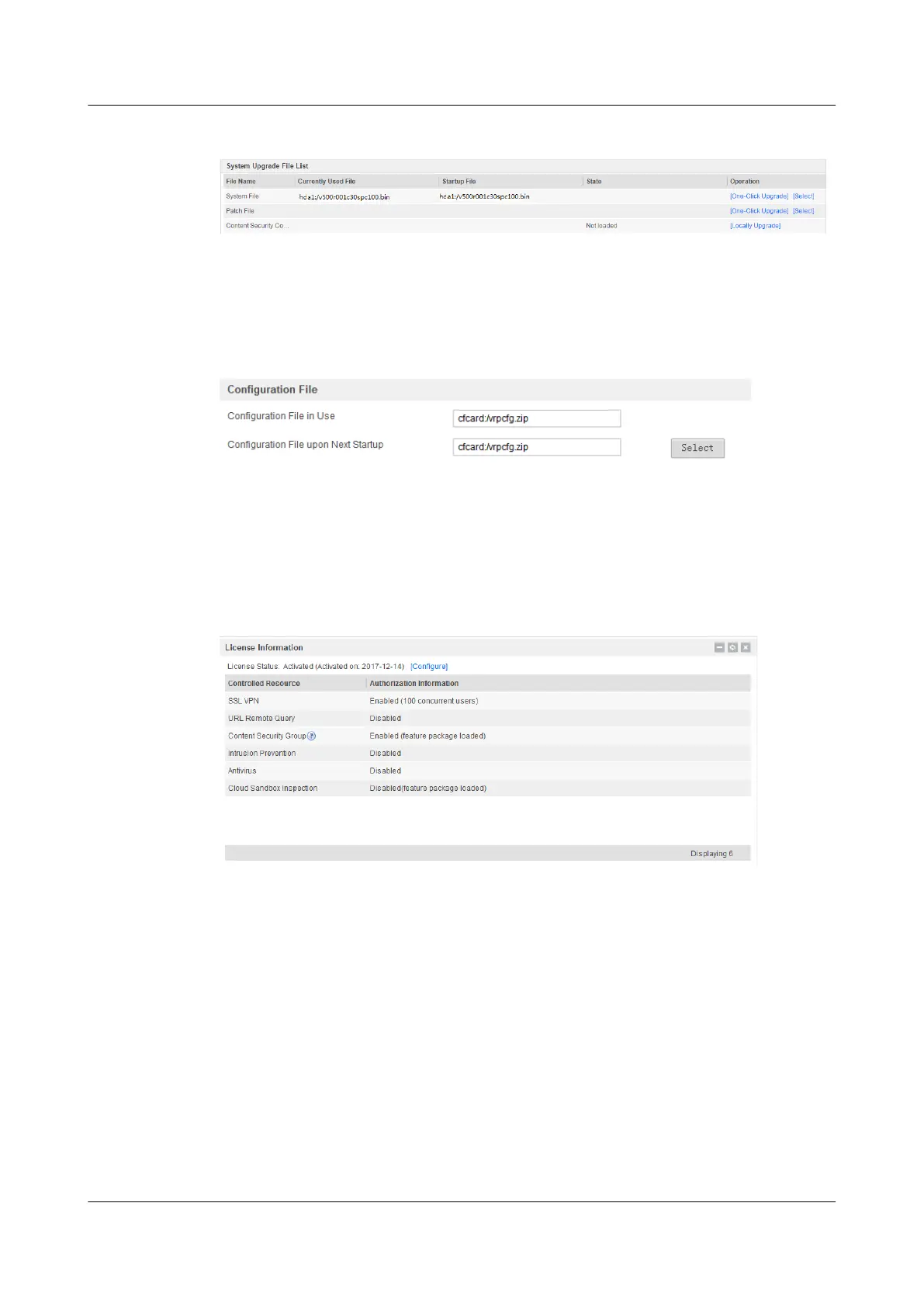
Figure 1-30 Displaying the running system version and the version for the next startup
Choose System > Configuration File Management. You can view the running configuration
file and the configuration file for the next startup.
Figure 1-31 Displaying the running configuration file and the configuration file for the next
startup
Checking the License Status
You can query the license information in License Information on the DashBoard page. Skip
this step if no function requires a license.
Figure 1-32 Viewing the license information
Checking the Device Operating Status
After you log in to the web UI, check the device operating status on the Dashboard page.
Checking the CPU, Memory, and Storage Space Usage
View system resource information on the Dashboard page, as shown in figure 5.
HUAWEI USG6000&USG9500
Upgrade Guide
1 USG6000
Issue 01 (2018-01-16) Huawei Proprietary and Confidential
Copyright © Huawei Technologies Co., Ltd.
55



 To Next Page