9502 User Guide
3004146-0001 Rev H
Chapter 2 Configuration via Web UI
The UT is typically configured via the Web User Interface (UI).
Browsers that are currently supported are IE7 and newer, Mozilla,
and Safari only.
Web UI Layout
The Web User Interface (UI) can be accessed from a MAC or PC
browser by entering 192.168.128.100 as the URL (unless you
change the IP address of the UT.)
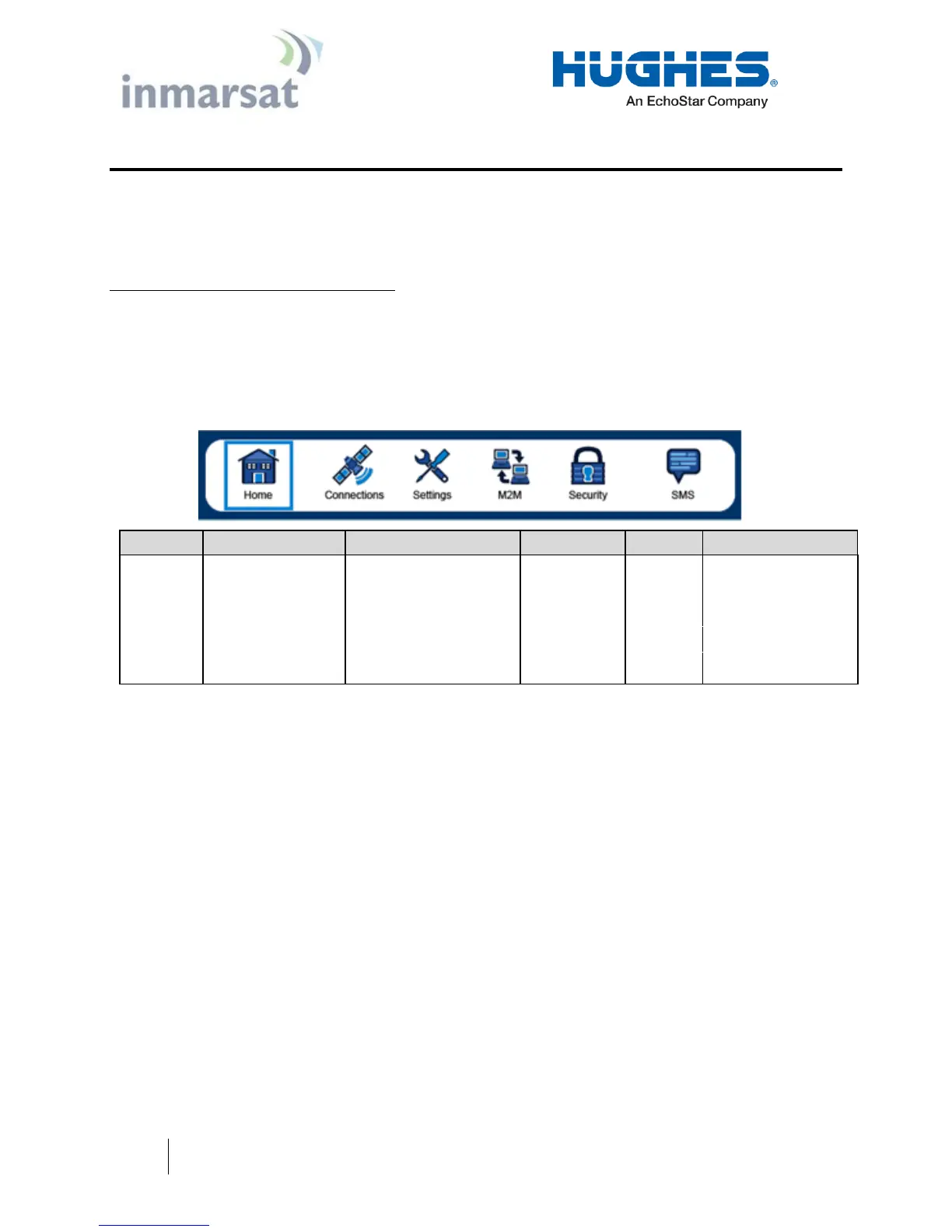
Table 2 shows the 9502 Web UI layout:
Table 2 – 9502 Web UI Layout
Home Tab
The home page includes the following fields:
Terminal Information
Model
IMEI
Software Version
SIM Information
IMSI
SIM APN
Terminal phone number
Troubleshooting
System Log


 To Next Page