9502 User Guide
3004146-0001 Rev H
Settings Tab
The settings tab has the following configuration pages:
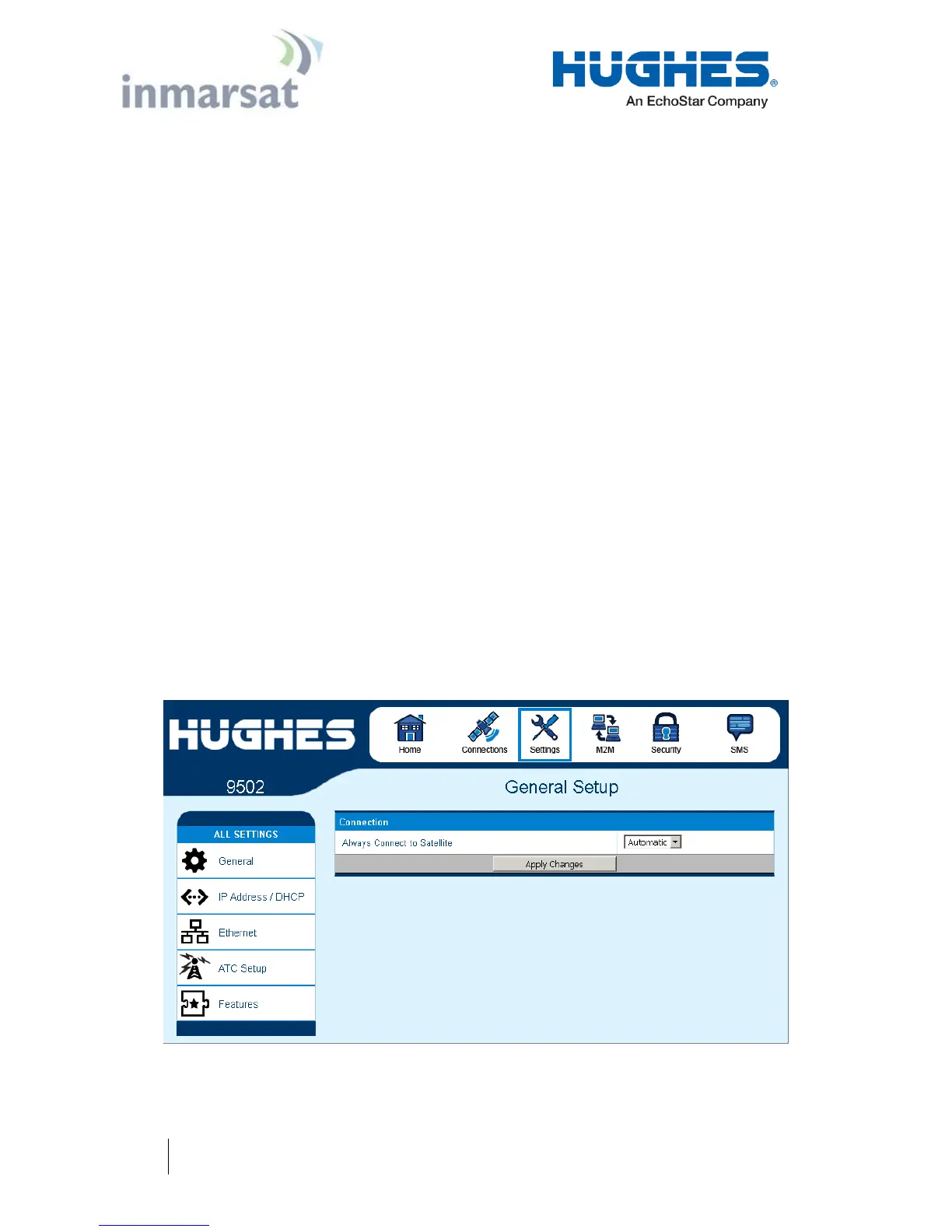
General Setup
Release 5.9.5.0 on includes a General Setup page with the
following fields:
Connection: this field controls the satellites the UT will try to
connect to. With the default “Automatic” selection it will
search for all satellites.
If an individual satellite is selected the UT will only search for
and use the selected satellite. This is useful in areas where the
antenna can see two satellites at the same time, e.g. EMEA and
MEAS from Europe and West Africa – see Figure 4-11.
During satellite switches, the satellite is turned off briefly and
the UT may try to register on the other satellite it can see. The
signal will be weaker and will degrade service, so it is
advisable to configure the UT to only use a single satellite. The
visible satellites are shown on the status bar of the Home page.
Streaming Inactivity Timer. In 9502B (BGAN Services) mode,
a streaming inactivity timer field is also displayed. By enabling
this parameter, the user can turn on a timer for inactivity on
streaming contexts. The timer is in either seconds or minutes
and will tear down a streaming context after X seconds or
minutes of inactivity.
Figure 2-7 – General Setup


 To Next Page