9502 User Guide
3004146-0001 Rev H
3. Determine the location of both the IDU and ODU before
starting to make sure that the IDU and ODU can be installed
within the10M cable length.
4. Install the ODU with the installation hardware that you have
chosen by following the instructions below.
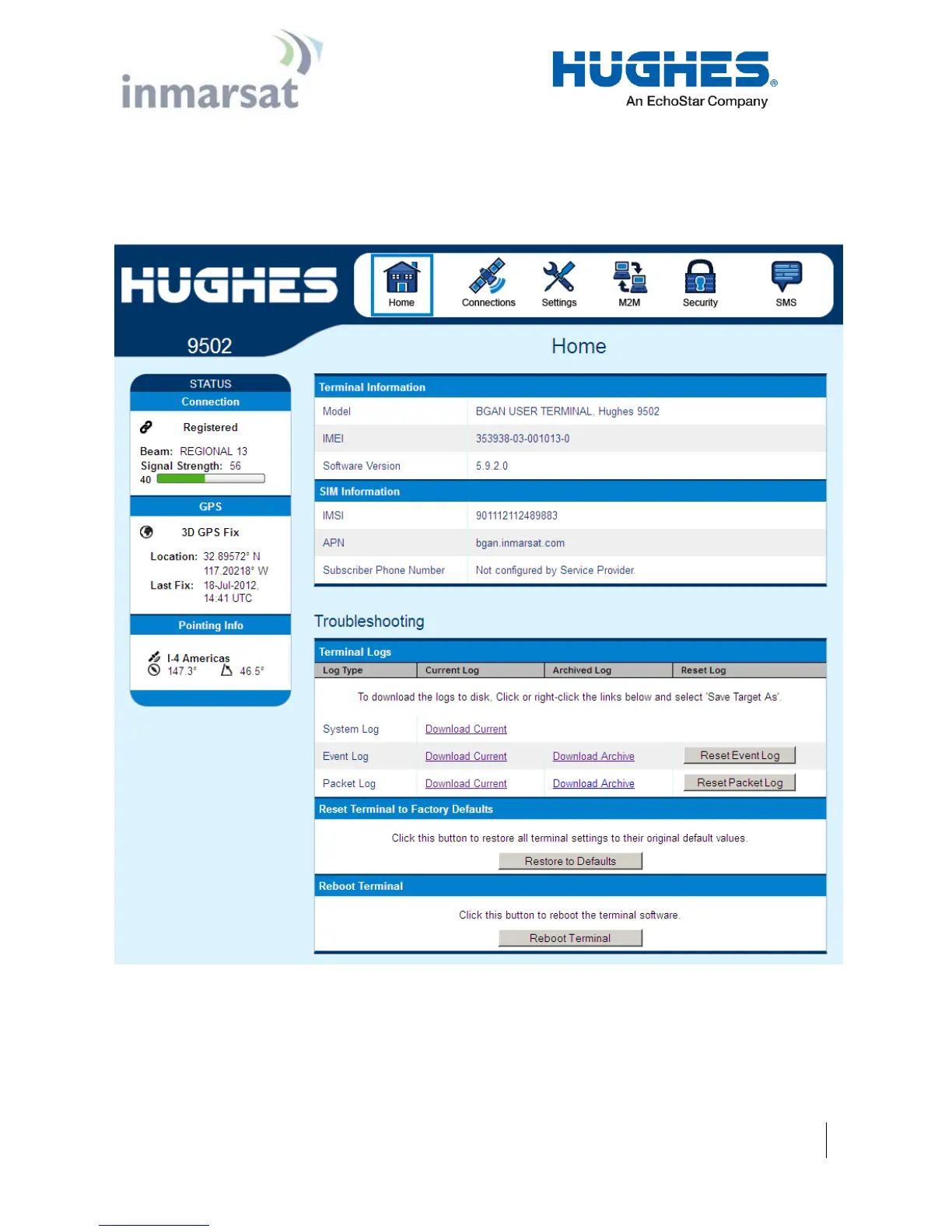
Figure 4-1 – Home Page showing pointing information


 To Next Page