9502 User Guide
3004146-0001 Rev H
When the UT is in an overlap region, all visible satellites are
shown and the user can pick the best one.
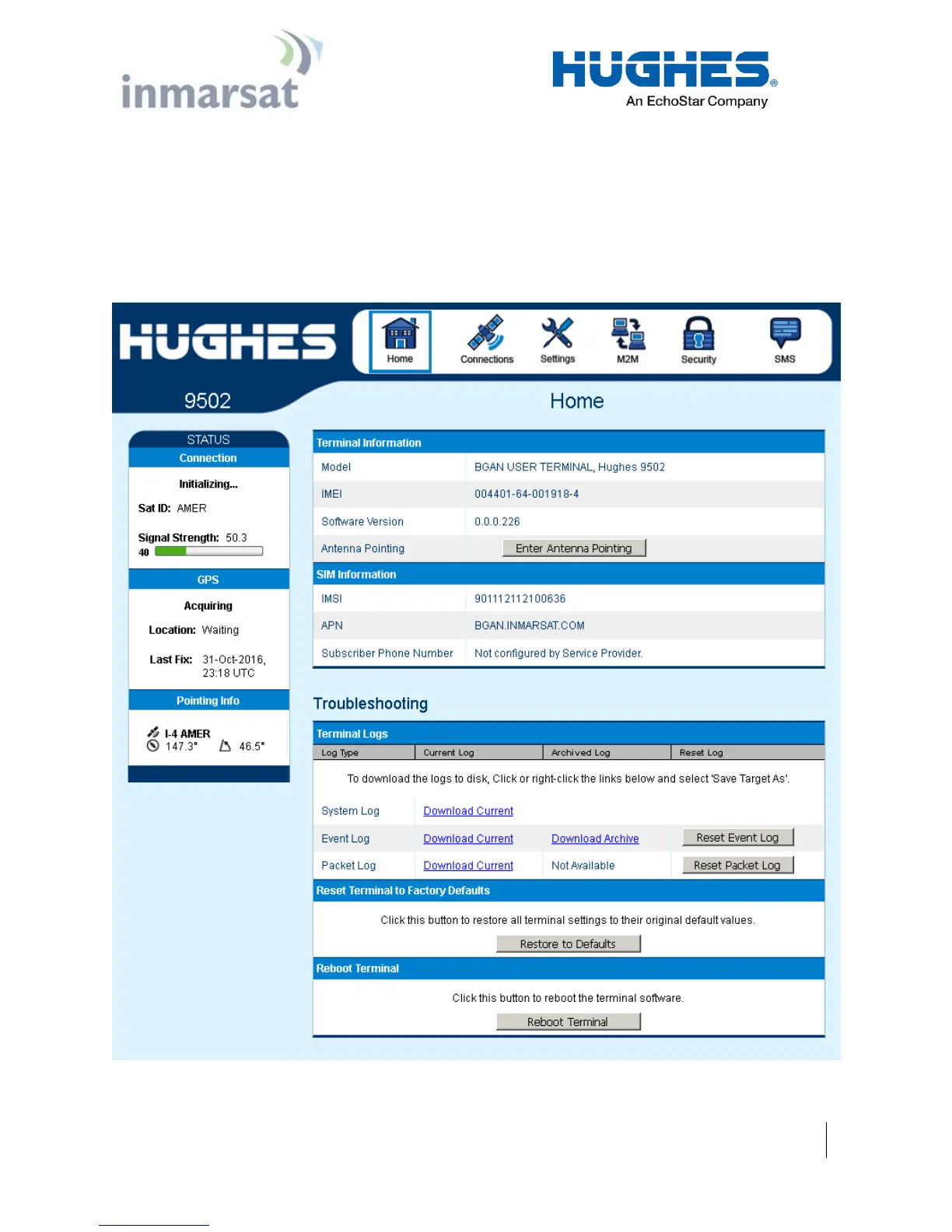
In release 5.9.5.0 and above, a pointing control button was added
to the Home page that duplicates the function button on the UT.
During the “wait for input” state at startup this button is active for
15 seconds. If pressed the UT will enter pointing mode and remain
until the button is pressed again. This feature is useful for
repointing one piece 9502s without opening the enclosure.
Figure 2-2 – Enter Pointing


 To Next Page