9502 User Guide
3004146-0001 Rev H
Connections Tab
Manage Contexts Page
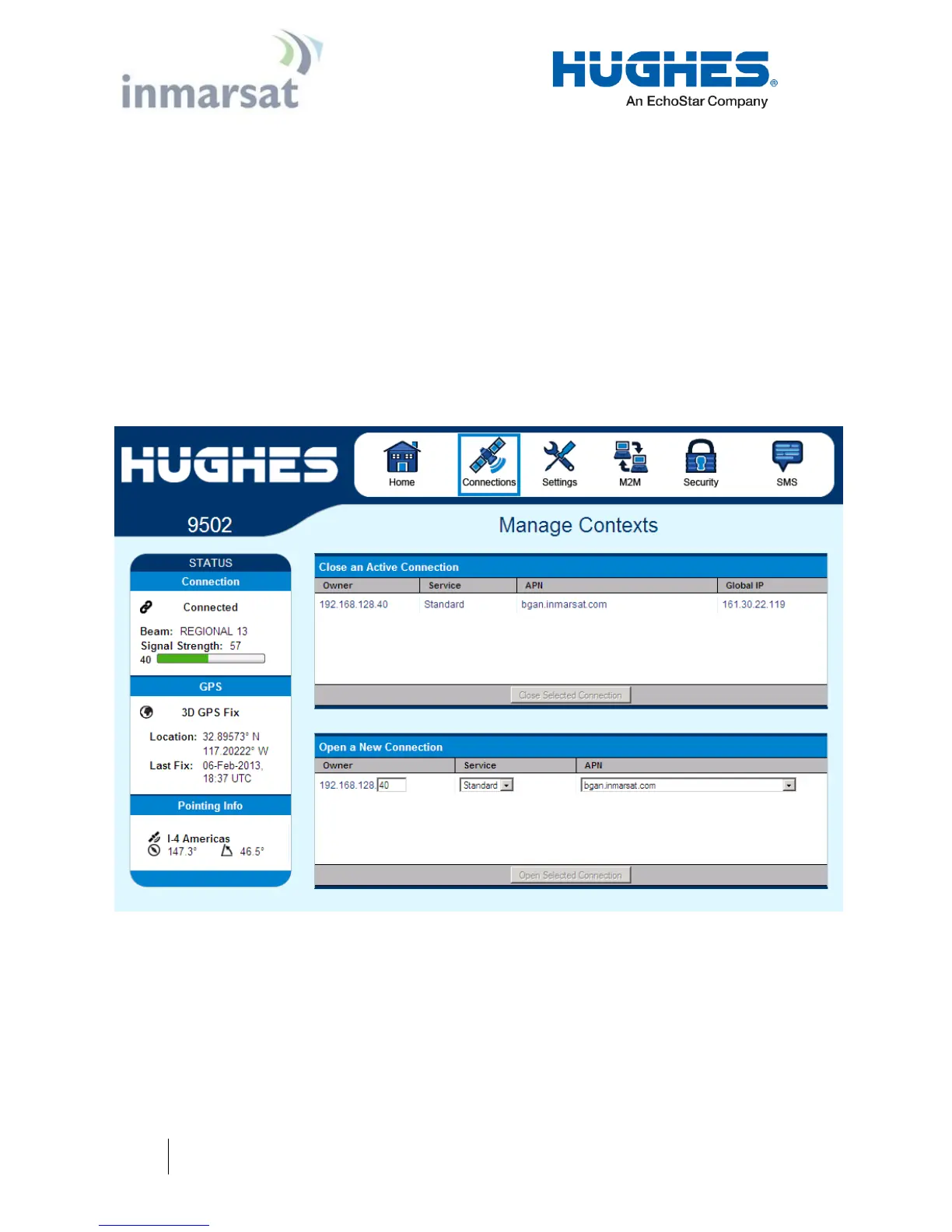
The Manage Contexts page under the Connections tab displays the
status of any active contexts and allows contexts to be controlled.
Typically this page will not be used and you configure context
activation via the always on option on the M2M page, or the ACA
page.
Note, in NAPT mode the PDP context will NAPT data for all
devices on the LAN. The owner IP address is shown as “shared”.
Figure 2-3 – Manage Contexts


 To Next Page