The TPMSpecs® feature identies vehicles with tire pressure monitoring systems. It also provides in depth information
regarding the service of TPMS.
• TPMS Type
• Sensor Type
• Reset Required on Tire Rotation or Replacement
• Reset Tool Requirement
• Required Tools
• Reset Procedure
• TPMS Hints
• Information / Disclaimers
TPMSpecs® may be accessed in two ways
Option 1:
From the Main Balance screen, scan a VINbarcode.
TPMS information for the vehicle scanned will be
automatically retrieved and displayed.
Option 2:
From the main balance screen, touch the “Tools” >
“TPMS” buttons.
The main TPMSpecs® screen is displayed. Select the make, model and specics of the vehicle being serviced.
The “AT A GLANCE” overview starts each vehicle TPMS specication. The rst image shows the type of TPMS sensor
on the vehicle. The following three images show the requirements for servicing the wheel: process, scan tool and OEM
scanner. The red border, yellow border or grayed appearance of the image denotes the requirement as required, optional or
not required. Red and white striped border indicates the requirement is possibly required; refer to the explanation below the
images.
Scroll up or down by dragging the scroll bar, or touching the “up” and “down” arrows on the right side of the screen.
Touch the “Home” button to return to the main TPMSpecs® Menu. Touch the “arrows” to navigate backward or forward.
Touch the “print” button to print the current page. Touch “X” to return to the balancer screen.
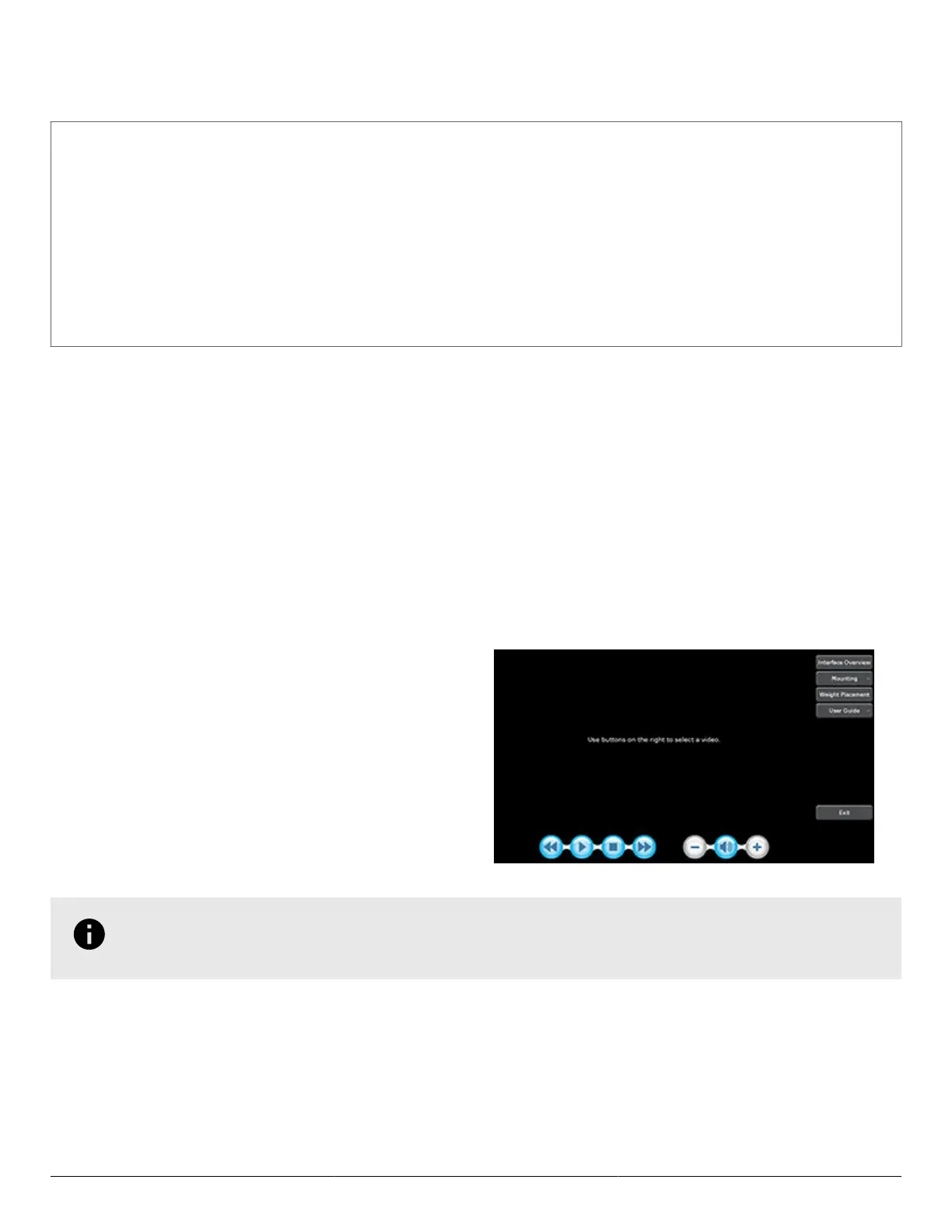
Hunter Help - Video Player
The Video Player feature provides tips and procedures for
using the HD Elite®. To access the Video Player:
From the main balance screen, touch the “Help” >
“Launch Video Player” buttons.
The main video menu screen is displayed.
Select a topic from the menu to view the video.
NOTICE
The video screens may change as new content is added.
HD Elite Wheel Balancer
Page 33 of 51



 To Next Page