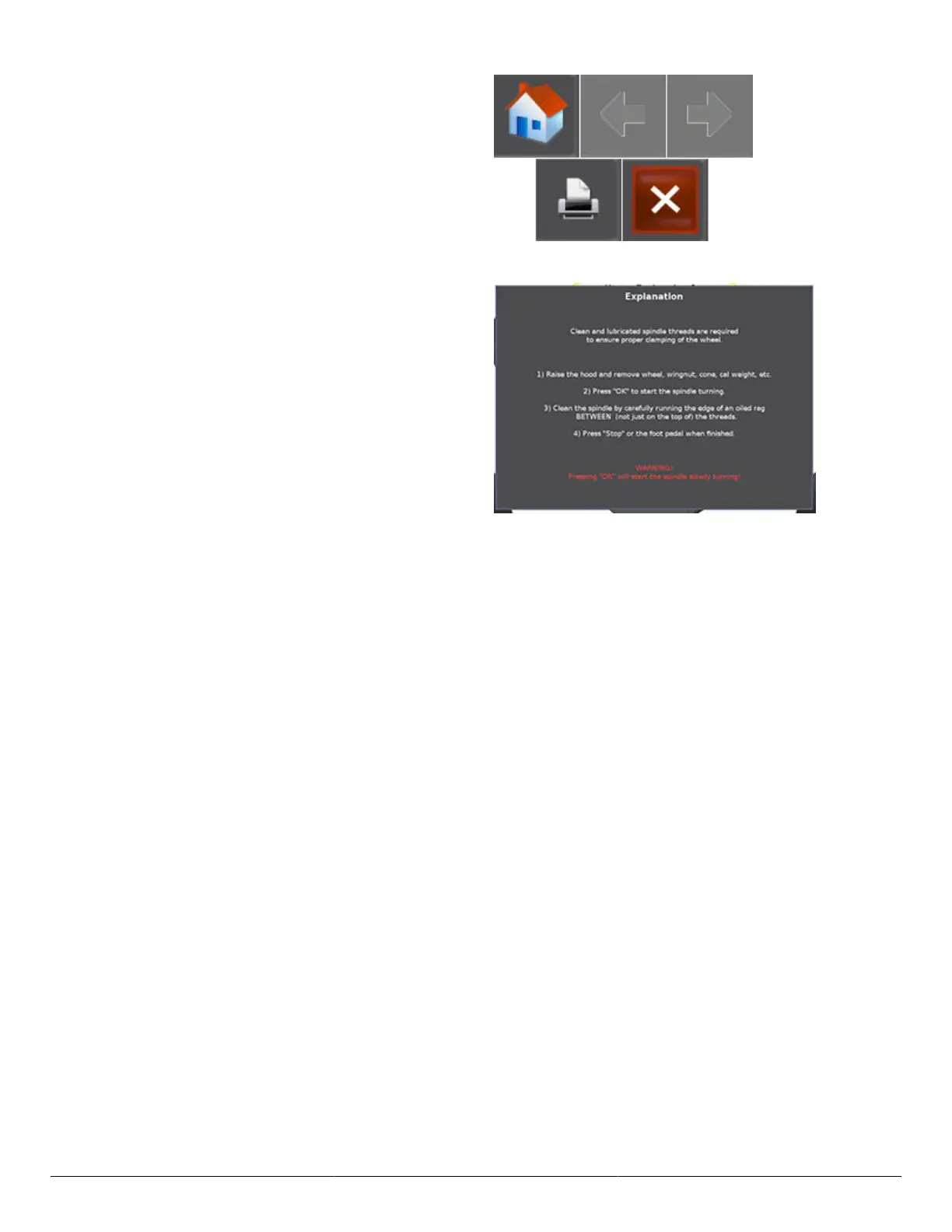
Scroll up or down by dragging the scroll bar, or touching
the “up” and “down” arrows on the right side of the
screen. Touch the “Home” button to return to the main
TPMSpecs® Menu.
Touch the “arrows” to navigate backward or forward.
Touch the “print” button to print the current page. Touch
“X” to return to the balancer screen.
Clean Threads
From the main balance screen, touch the “Tools” >
“Clean Threads” buttons. The main Clean Threads
Explanation screen is displayed.
Follow the on-screen instructions to clean the spindle
threads. After the spindle threads are cleaned, touch the
“Exit” button to return to the main balance screen.
Balance Bare Rim
From the main balance screen, touch the “Tools” > “Balance Bare Rim” buttons. The balance screen is displayed with a
bare rim. During bare rim balancing, the load roller is disabled.
Balance the rim as normal, taking dimensions, applying weights, etc. Touch the “Balance Rim With Tire” button to return to
standard balancing.
HD Elite Wheel Balancer
Page 46 of 51



 To Next Page