5. Operation
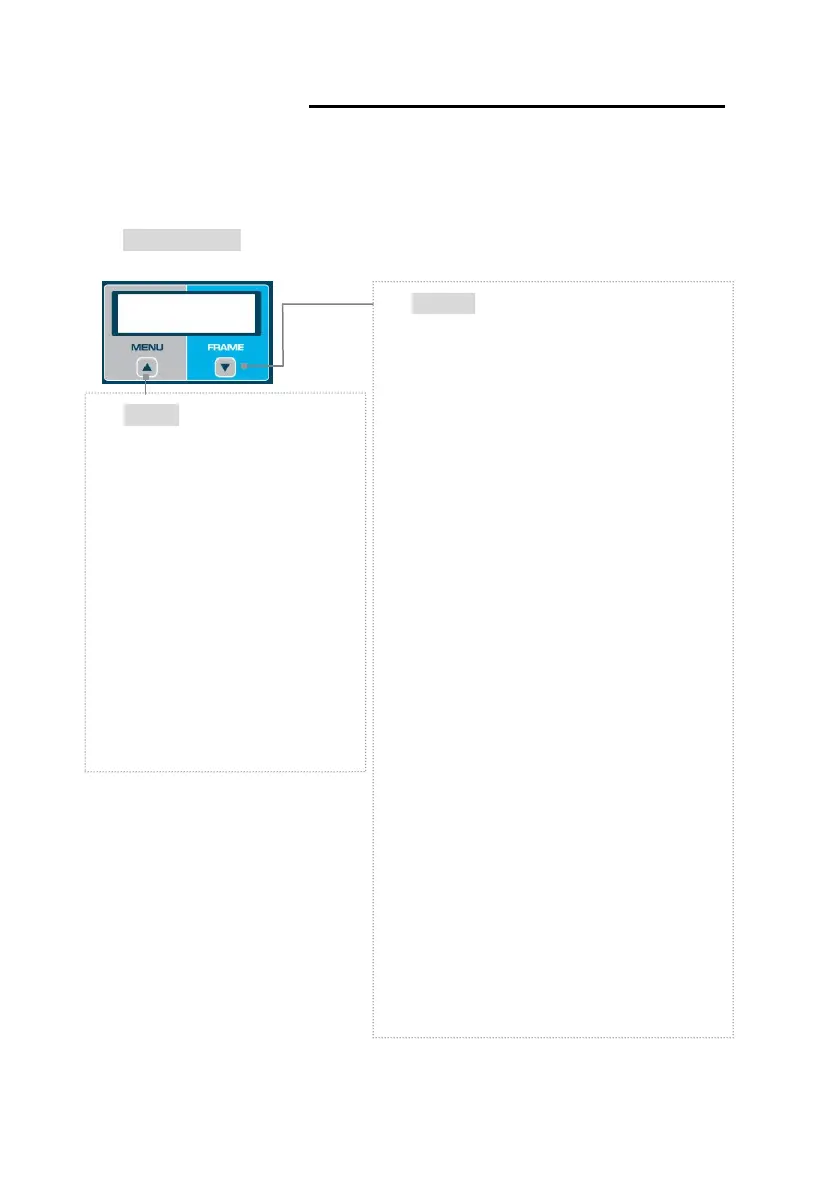
Frame
Material Selection
·METAL
·PL-HARD (PLASTIC)
·PL-SOFT (OPTYL)
☞ Before the frame is traced, choose one
of the above items.
☞ The specified values are used in Edger
for the size adjustment.
Pattern Tracing
·LO CURV (2D Tracing)
·HI CURV (3D Tracing)
☞ If the pattern or the demo lens are placed
in the tracer, the Frame Menu is
automatically changed to this curve mode
instead of material selection.
☞ In HI CURV mode, the tilt correction is
applied. Therefore, if demo lens have a
severe curve, make sure to apply it to the
HI CURV mode.
Menu
Menu Selection
·CONFIGURATION
·AUTOMATIC CALIBRATION
☞ Refer to the section 6.1
Configuration of Frame Reader
for CONFIGURATION.
☞ Refer to the section 7.1
Automatic Calibration of Frame
Reader for AUTOMATIC
CALIBRATION.



 To Next Page