68 Excelon Operator’s Manual
6.2.5 ETC
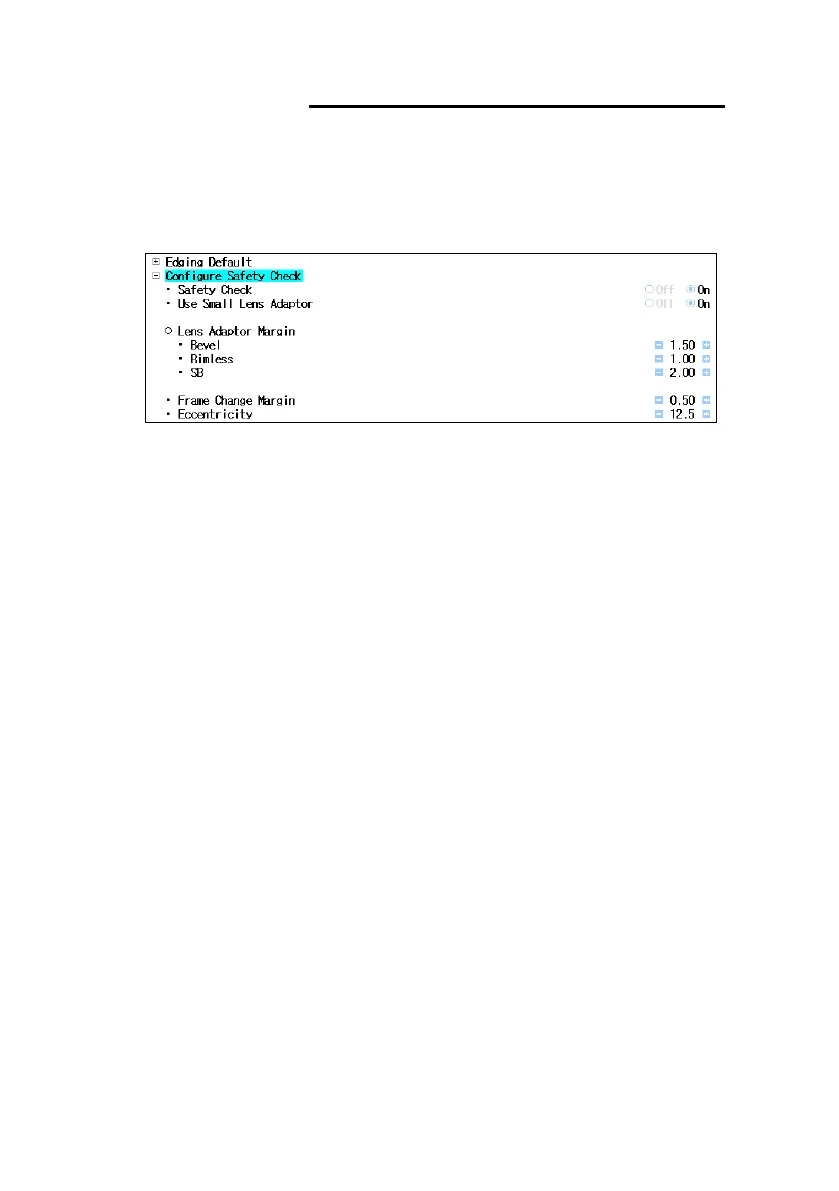
• Configure Safety Check
- Location : User Mode Configure Safety Check
- Safety Check : Enable or disable Safety Check feature
- Use Small Lens Adaptor : Show the warning message for the small lens adaptor
- Lens Adaptor Margin : Margin value for each edging option
- Frame Change Margin : Margin value for Frame Change
- Eccentricity : Reference value for determining eccentricity
• GUI Customize
- Show Menu Input Range : Shows valid range of value
- Show Menu Input Step : Shows increase and decrease value
- Selected Item Color : Change color of selected item



 To Next Page