60 Excelon Operator’s Manual
6. User Defined Options
6.1 Configuration of Frame Reader
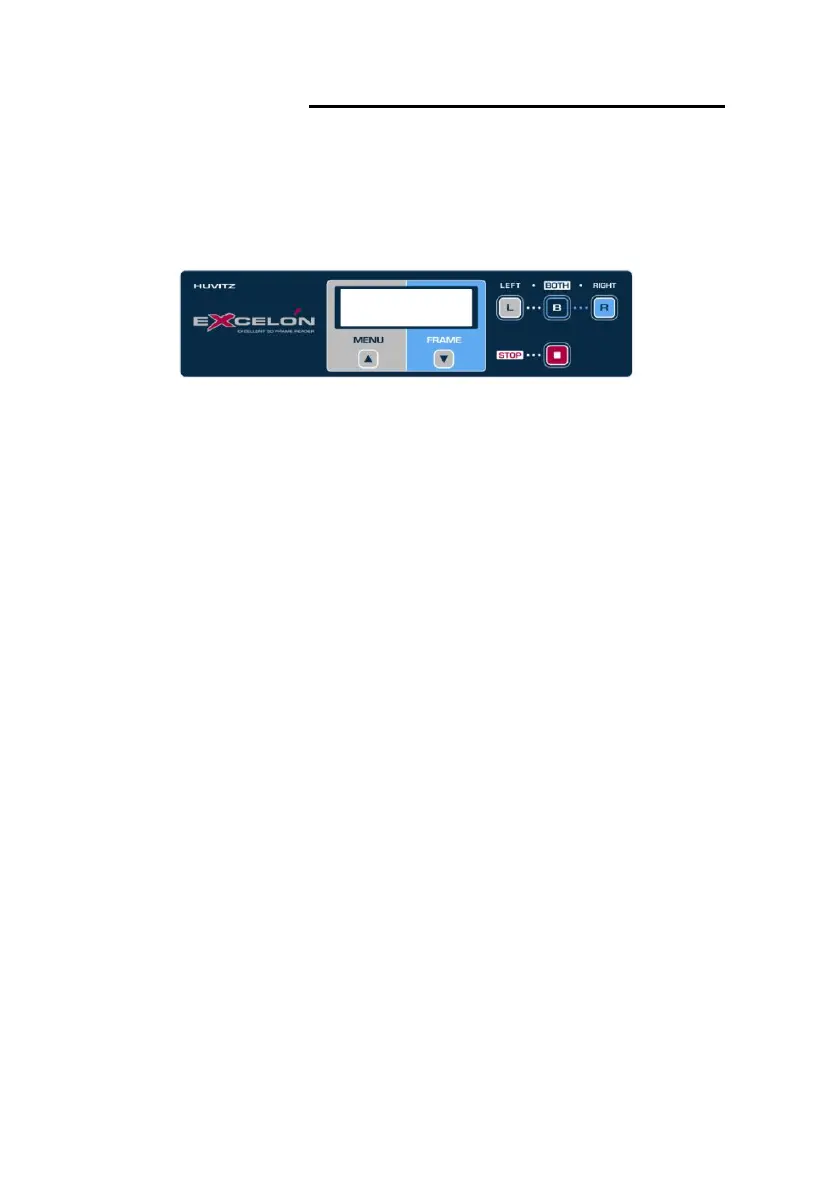
• How to go into the configuration
- Press these buttons sequentially : Menu >> B
- Navigate all items using ‘FRAME’ button.
- Press the ‘B’ button to execute the selected item.
- Press the ‘L’ or ‘R’ button to change the value of the selected item.
• Purpose of user options
- ID INFO : Show system ID.
- Beep : Turn on/off beep sound .
- EDGER-1 : Enable or disable data transmission through EDGER-1 port.
- EDGER-2 : Enable or disable data transmission through EDGER-2 port.
- PC : Allow or disallow PC connection.



 To Next Page