Excelon Operator’s Manual 63
6.2.1 Basic Configuration
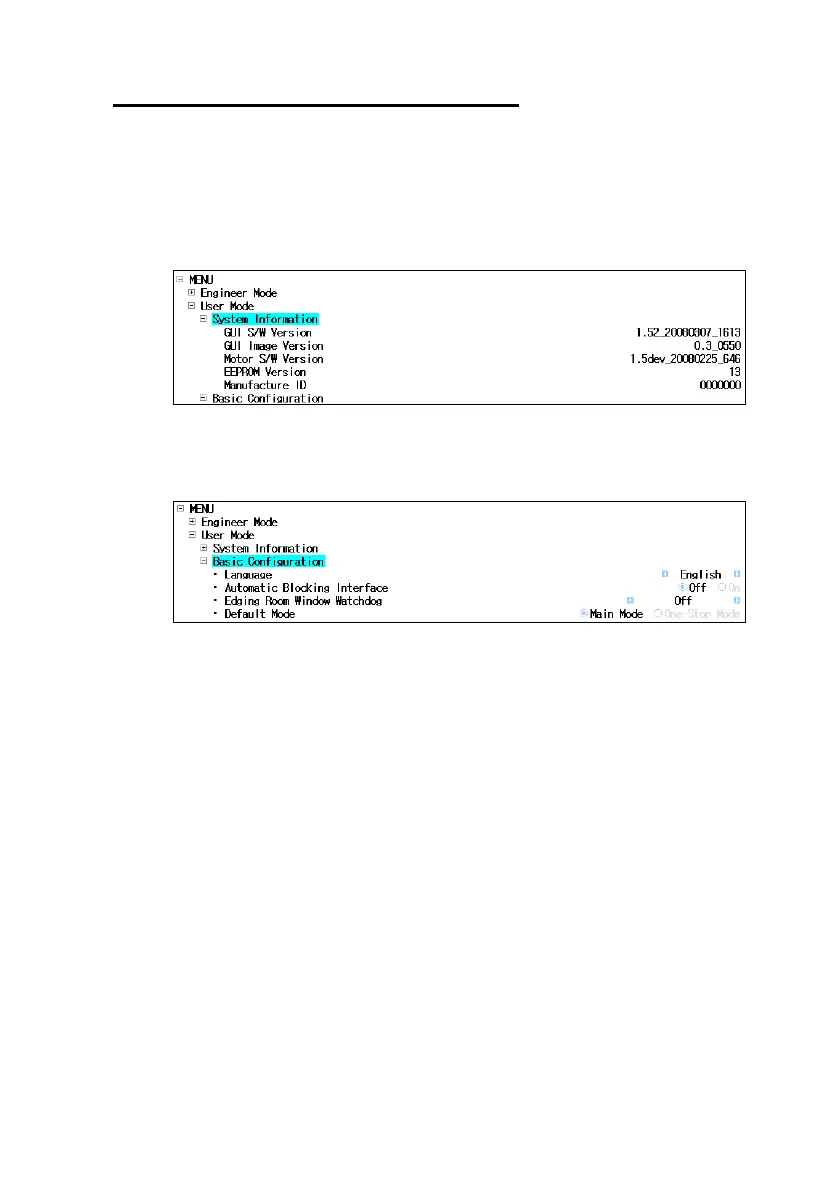
• System Information
- It shows S/W version information(for S/W upgrade).
- Location : User Mode System Information
• Basic Configuration
- Location : User Mode Basic Configuration
- Language : Choose your own language
- Automatic Blocking Interface : Enable or disable Auto-blocker Mode
- Edging Room Window Watchdog : Choose one of the following options for
Edging Room Window opened during
machining
a. OFF : No warning
b. Warning Message : Shows the warning message
c. STOP : Stops machining
d. Both : Shows the warning message and stops machining
- Deafult Mode : Set the default edging display



 To Next Page