64 Excelon Operator’s Manual
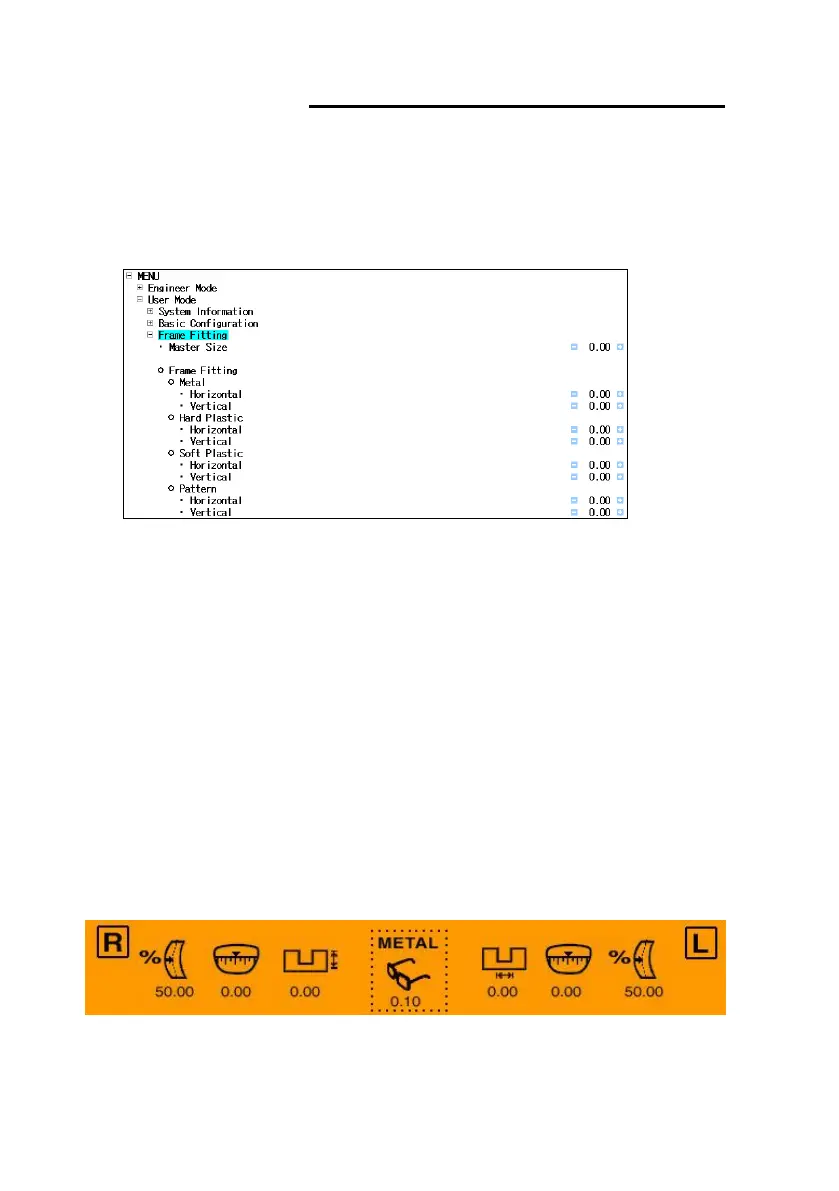
6.2.2 Frame Fitting
• Frame Fitting used for adjusting the size variation due to the difference of the
user’s feeling of lens fitting.
• Location : User Mode Frame Fitting
• How to setup Frame Fitting values
① Trace the frame data with Frame Reader.
② Execute the Edging Process with Mid-Index Lens (low diopter lens preferred) and
carry out the Fitting with the edged lens.
③ In case the edged lens is bigger than the frame, adjust the value to ‘-’ (minus).
In case the edged lens is smaller than the frame, adjust the value to ‘+’ (plus).
(Based on the Lens Diameter)
☞ Using the Master Size Adjustment, the operator can set up the adjustment
value for all frame materials simultaneously.
☞ In case the frame tracing is executed after selecting the frame material in
the Menu of Frame Reader, the recommended value of fitting adjustment
will be displayed on the screen in the Edging Mode.
☞ Remember that these adjusted values are applied in diameter.



 To Next Page