74 Excelon Operator’s Manual
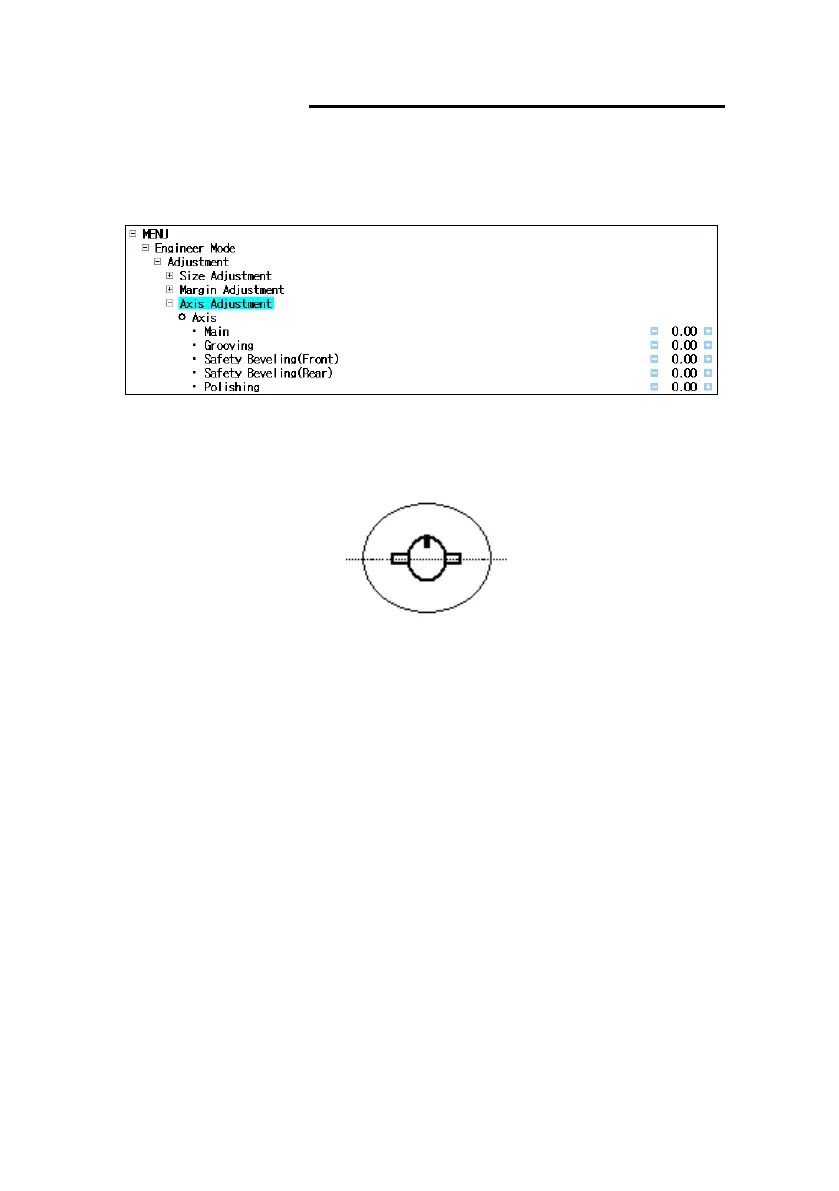
6.3.5 Axis Adjustment
▪ Location : Engineer Mode Adjustment Axis Adjustment
• Test Pattern
- Draw a horizontal line on the lens and put the lens adaptor.
[After blocking the test lens]
- Execute the internal Square(40mm X 40mm).
• Test Cases
- Check main(normal) axis, grooving axis, safety beveling axis, and polishing
axis.
- At first, main axis must be adjusted.
• Adjustment
- The adjustment unit is degree(
- Select the item to change.
- Increase or decrease the value using (+) and (-) buttons.
- Add (-) value to correct to the clockwise direction.
- The following picture shows how to adjust incorrect axis value for every edging



 To Next Page