Excelon Operator’s Manual 65
6.2.3 Layout Default
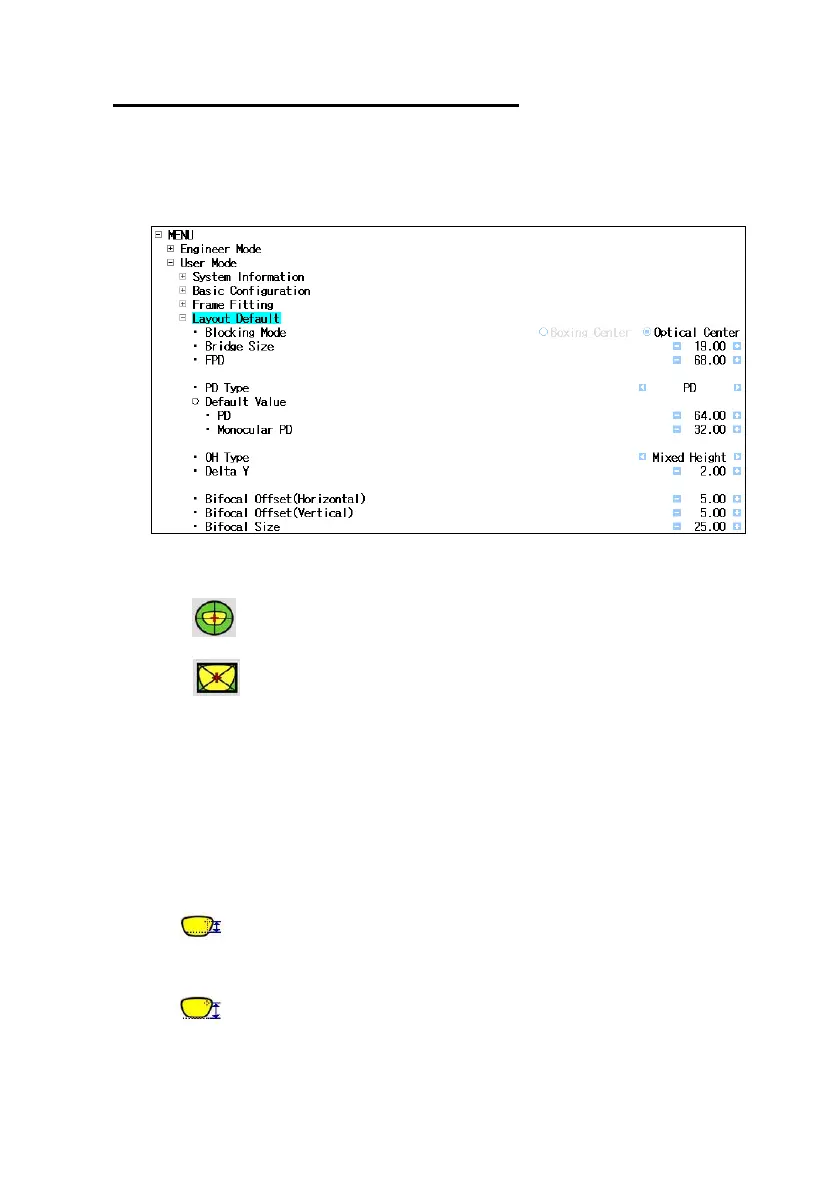
• Location : User Mode Layout Default
• Blocking Mode : Choose the centering options of followings
- Optical Center
- Boxing Center
• Bridge Size : Set initial Bridge Size
• FPD : Set initial FPD(=Frame Pupil Distance)
• PD Type & Default value : Set initial settings for PD value and Binocular or
Monocular.
• OH Type & Default value : Choose the initial style for OH(=Optical Height) and
OH value.
- Mixed Height : OH based on the intersection with the frame and the
vertical line of the optical center
- Boxed Height : OH based on the lowest point of Frame



 To Next Page