Excelon Operator’s Manual 37
5.4 Edging Process
5.4.1 Preview MODE
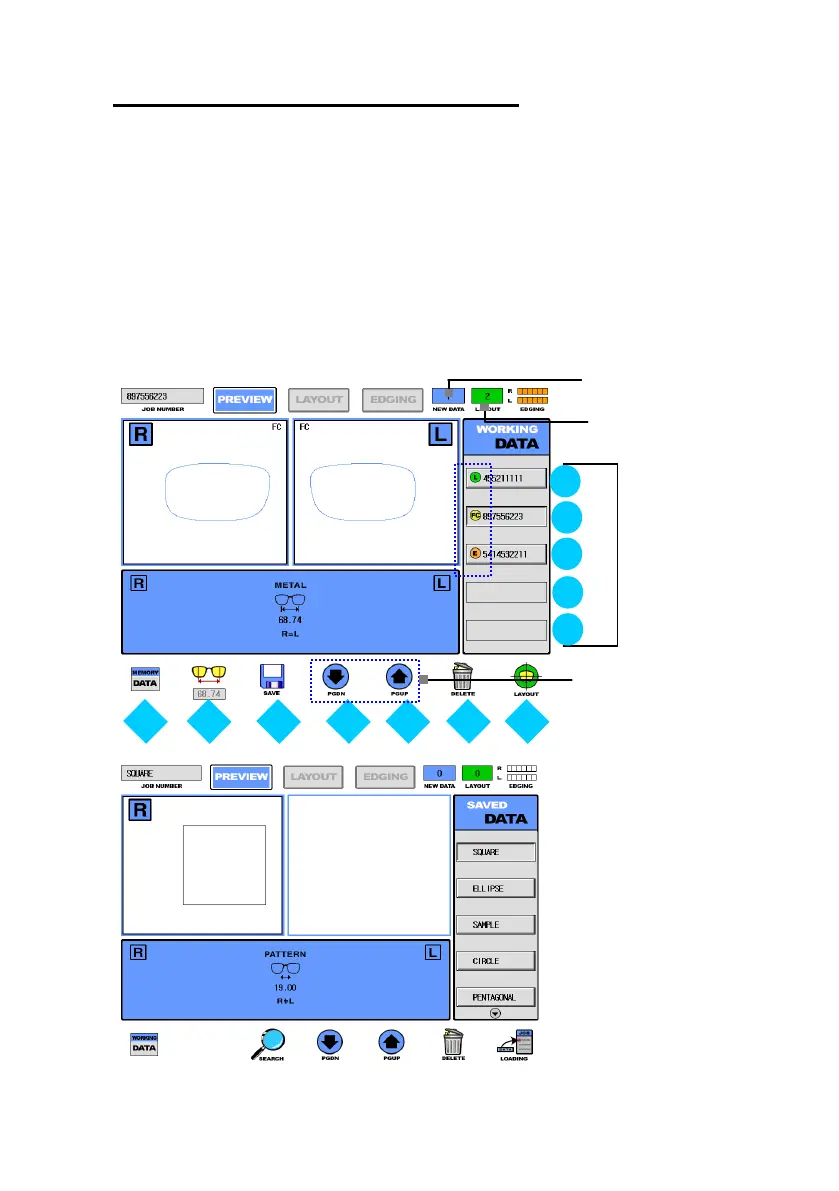
There are two display in Preview mode. The first is the ‘Working Data Display’, the
second is the ‘Saved Data Display’. ‘Work Data Display’ is the stage which prepares
to go into the subsequent job processes. Otherwise ‘Saved Data Display’ is the stage
just for which manages the data in the permanent memory. You can switch easily two
display modes by pressing the first button(F1).
Number of Layout
Data Completed



 To Next Page