38 Excelon Operator’s Manual
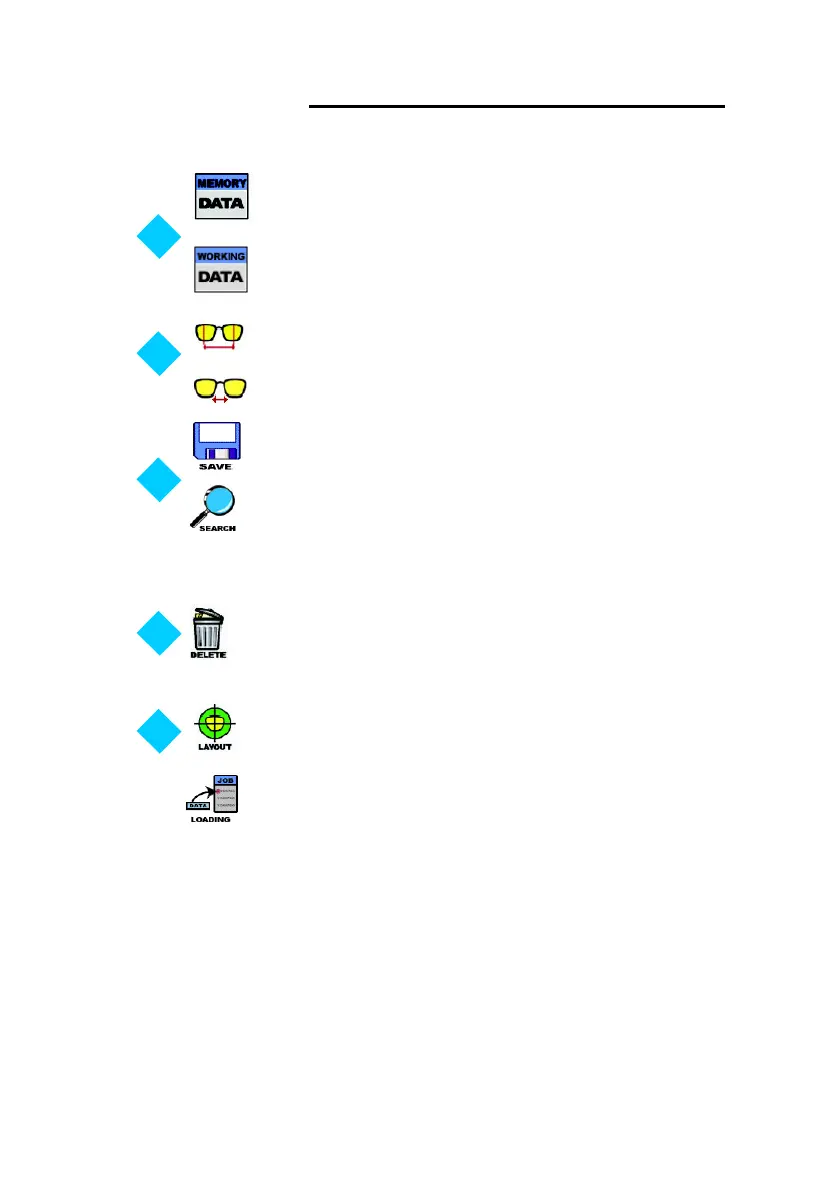
Return to the ‘Memory Data Display’.
FPD Input Button (in case the frame data selected)
Bridge Size Input Button (in case the pattern data selected)
Assign the Job Number and save the job into the permanent
memory
Delete the selected data. This deletes the selected data
permanently from the internal memory at the ‘Saved Data
Display’
Execute the Layout Mode with the selected data
Return to the ‘Working Data Display’.
Search the internal saved data. Load the internal frame data u
sing the bar code system. The internal frame data can be
retrieved by bar code system. Refer to the additional operator
manual for it.
Load the current data from ‘Saved Data Display’ to ‘Working
Data Display’.



 To Next Page