62 Excelon Operator’s Manual
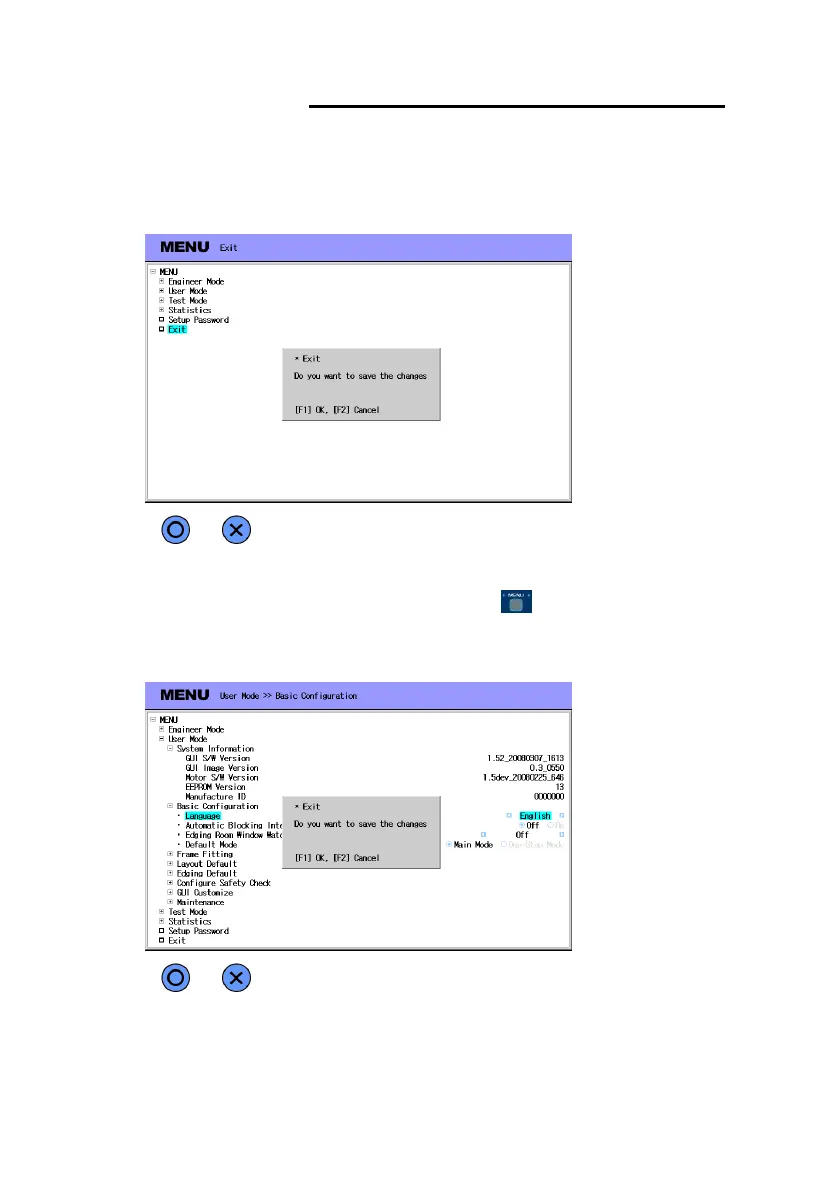
• Exit Menu mode and save changes
- Move to top menu and select “Exit” item. Then press [F4] button to quit.
- If there are changes, confirmation dialog box displayed(save the changes or not).
- Another way to quit Menu is just press the menu( ) button for 2 seconds.
- A merit of this method is that the next time you enter Menu mode it will starts
from previous position.



 To Next Page