Excelon Operator’s Manual 51
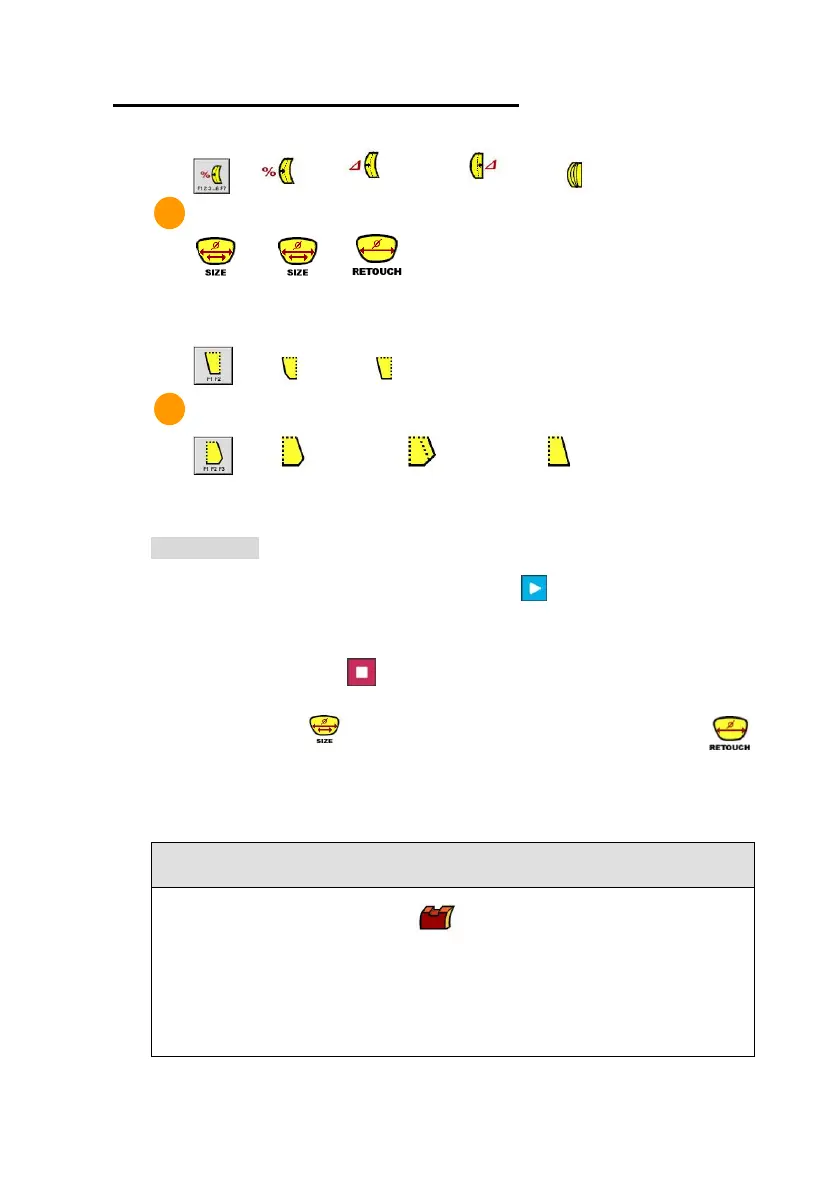
Safety Beveling (Small) Safety Beveling (Large) No Safety Beveling
Lens Edging
After selecting the Edging Options, press [START] button to execute the Lens
Edging Process. Edging Progress will be displayed on LCD screen for the
convenience. Press [STOP] button to cancel the Lens Edging Process.
If you need the size adjustment after finishing the Lens Edging, press [ ]
button in Size Adjustment. Be sure that Retouch Mode will be only executed after
finishing the Lens Edging.
• In case of Semi-Rimless Edging , the grooving depth and width can be
adjusted by changing the default value in “Edging Default” Menu. (Refer to 6.5)
• According to the Edging Options, Beveling and Grooving position can be
selected independently.



 To Next Page