EasyManua.ls Logo

Hytera PT580 - Encoder Switch Disassembly

Hytera PT580
104 pages
Print Icon
To Next Page IconTo Next Page
To Previous Page IconTo Previous Page
Loading...
Service Manual
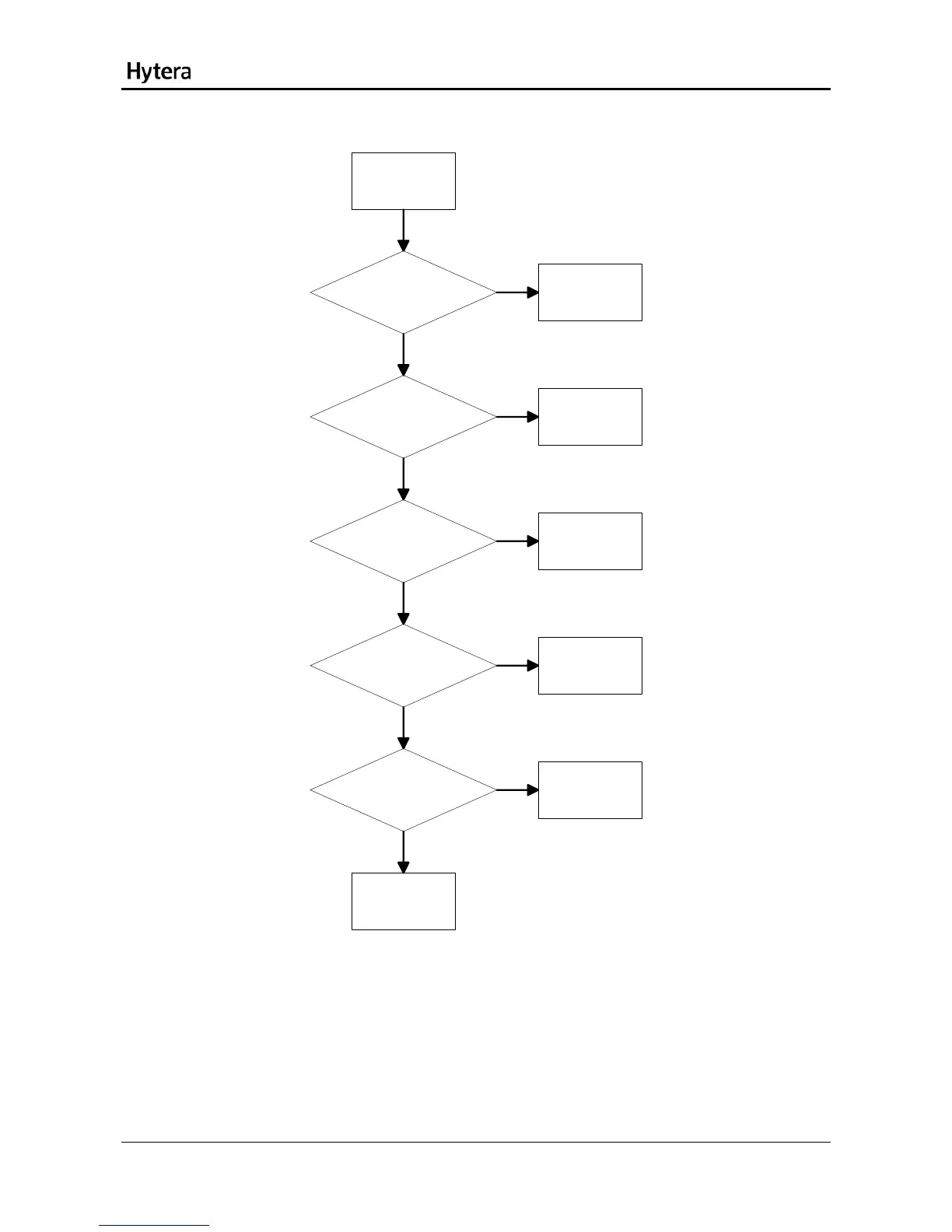
Front Case
Check whether the
functions of the front
panel are normal. [1]
Replace the front
panel.
Check whether
the gold finger for the
KEYPAD is normal. [2]
Replace the front
panel.
Check whether
the gold finger socket on
the MMI board is
normal. [3]
Replace the MMI
board.
Check whether the
connector on the MMI
board is normal. [4]
Repair the
connector
Check whether
the 70-pin connector on
the main board is
normal. [4]
Repair the
connector
Abnormal
KEYPAD
Check U2001.
Yes
Yes
Yes
Yes
Yes
No
No
No
No
No
Description:
[1] Check by placing the main board and MMI board into a normal front case.
[2] Check whether the gold finger is properly connected.
[3] Check whether the clip is loose and the socket is properly connected.
[4] Check whether the 70-pin connector is properly connected and soldered.
38

Table of Contents

Related product manuals