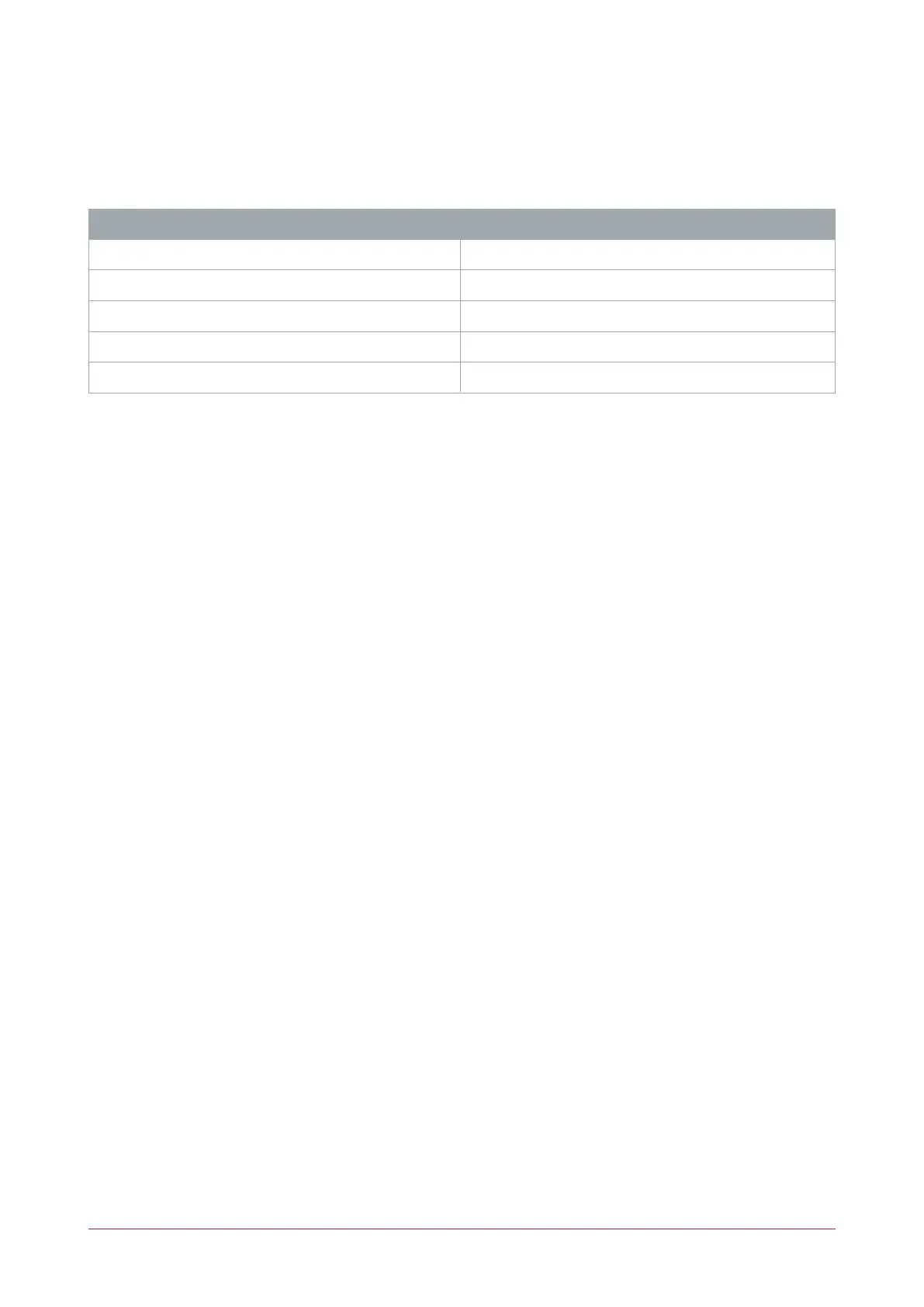
Input Indicators
Whenever an input on the module is programmed with an input type and area, the input status will be displayed
on the front panel indicator corresponding to the physical input number. This allows for easy test verification of
inputs without the need to view the inputs from the keypad or the Protege software.
State Description
Constantly off Input is not programmed
Constantly on (red) Input is in an open state
Constantly on (green) Input is in a closed state
Continuous flash (red) Input is in a tamper state
Continuous flash (green) Input is in a short state
PRT-CTRL-DIN | Protege GX DIN Rail Integrated System Controller | Installation Manual 39



 To Next Page