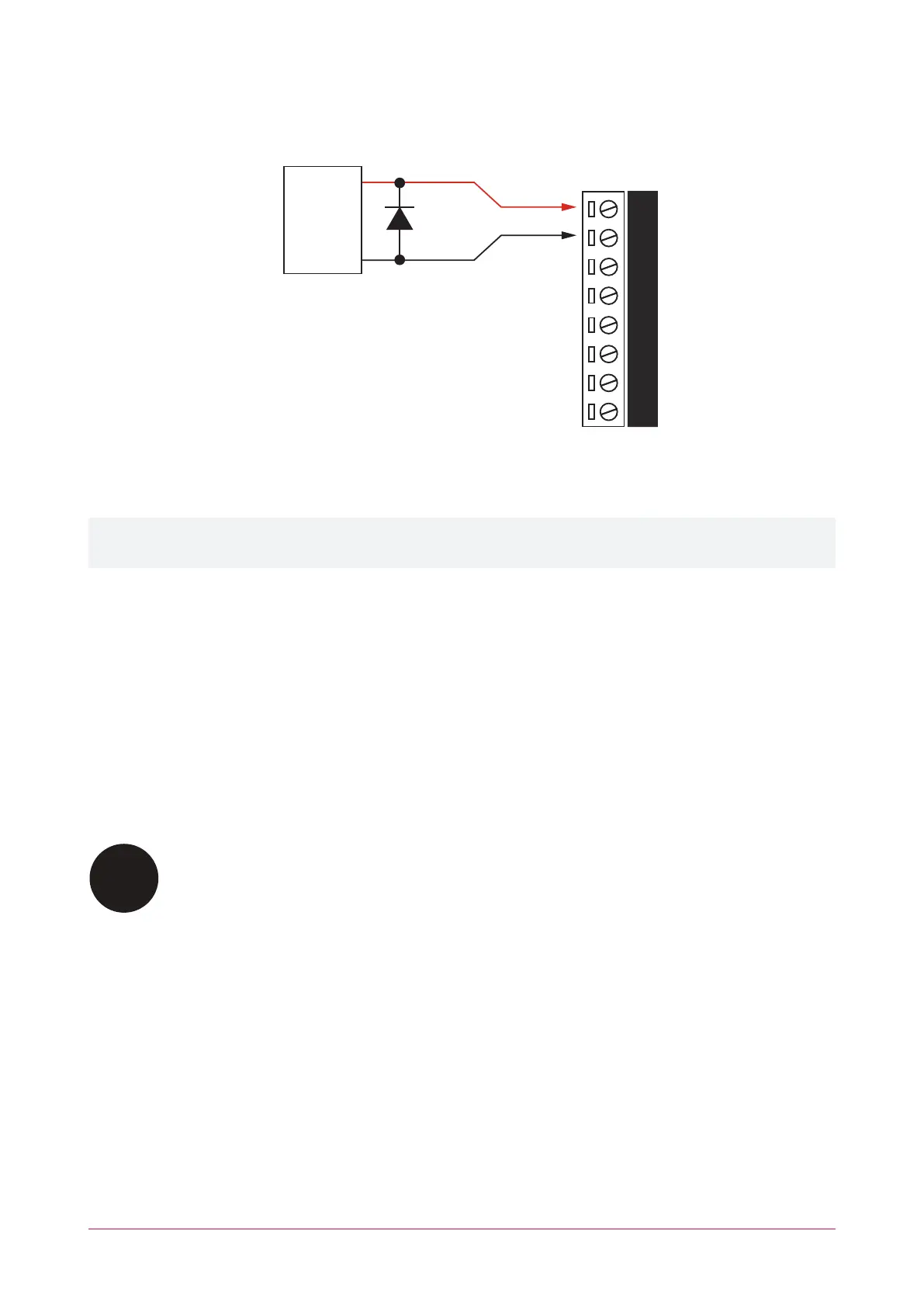
To use the lock outputs in conjunction with the onboard reader module, the lock output for the door associated
with the reader port must be configured to be the desired lock output on the controller. This is not configured by
default.
+
-
1N4007 Diode
12VDC Electric
Locking Device
B- NO
B+
NC NO COM
NC
COM
When using a door with an entry and exit reader, the lock output should be connected to the Bell (CP001:01), and
the swap lock option for the second reader input should be enabled to allow the reader LEDs to display the correct
status.
The bell output current must not exceed 1.6A or electronic shutdown will be engaged. Ensure the devices
connected to the outputs are within the limits as described in the Technical Specifications.
Programming the Onboard Reader
The onboard reader is programmed in exactly the same way as any other reader module. It can be thought of as if
it were a normal reader expander module on a separate circuit board. By default the onboard reader is disabled.
To enable it, configure the address at which you want it to register using the Protege user interface. Note that any
physical reader expander module that is connected with the same address will be treated as a duplicate and will
fail to register, so care should be taken to ensure the address is unique.
The onboard reader uses inputs 1-4 and 5-8 as its door contact, REX, bond sense and REN inputs respectively. Any
inputs that are not configured for use with the onboard reader may be used as general purpose inputs. If you wish
to use an access control input as a general input, you will need to disable the associated function input in the door
programming section of the Protege user interface.
REX and REN devices must be listed to UL 294 for UL installations and CAN/ULC-S319 for ULC
installations, and be compatible with the system.
PRT-CTRL-DIN | Protege GX DIN Rail Integrated System Controller | Installation Manual 24



 To Next Page