6. DESKTOP SHORTCUT MENU
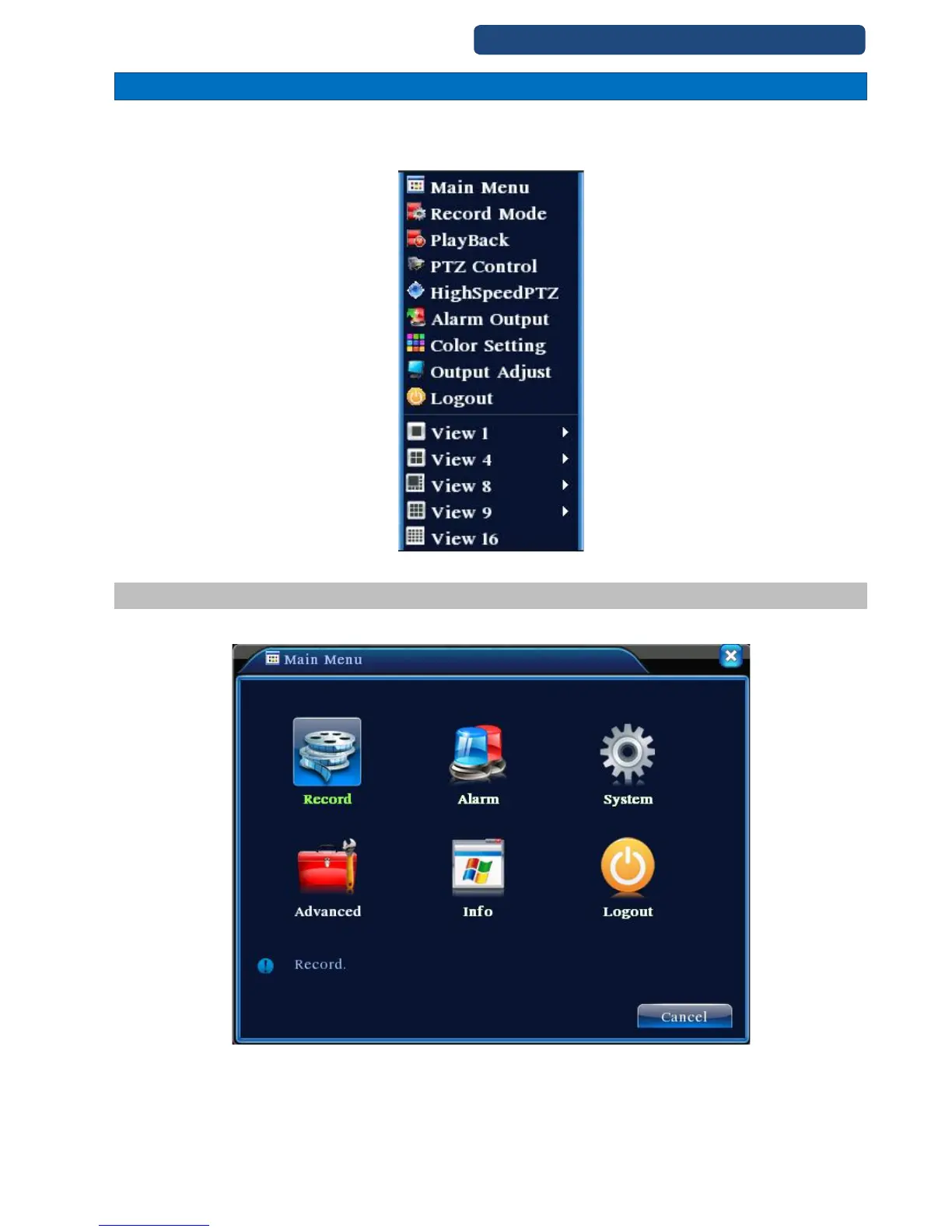
In preview mode you can right click mouse to get a desktop shortcut menu. The menu includes: main
menu, record mode, playback, PTZ control, High Speed PTZ, Alarm Output, color Setting, Output
adjust, Logout, view1/4/8/9/16 screens.
11. picture Desktop shortcut menu
6.1 Menu
When you login, the system main menu is shown as below.
12. picture Menu



 To Next Page