11.3 Log
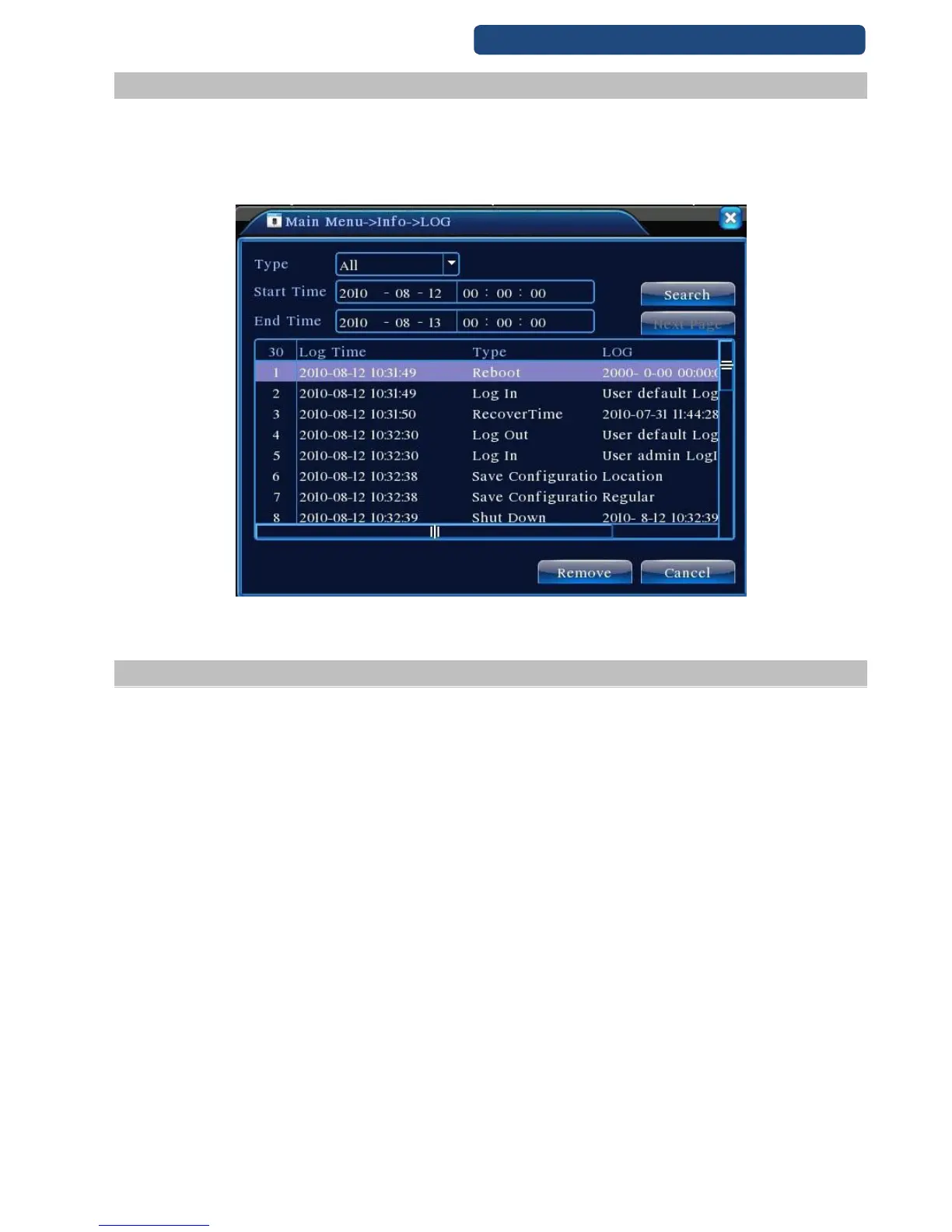
Look up system log according to the set mode.
Log information include: system operation, configuration operation, data management, alarm affair,
recording operation, user management, file management and so on. Set the time section to look up and
click the look up button. The log information will display as a list. (one page is 128 items) Press Page up or
Page down button to look up and press delete button to clear all the log information.
62. picture Log
11.4 Version
Display the basic information such as hardware information, software edition, issue data and so on.



 To Next Page