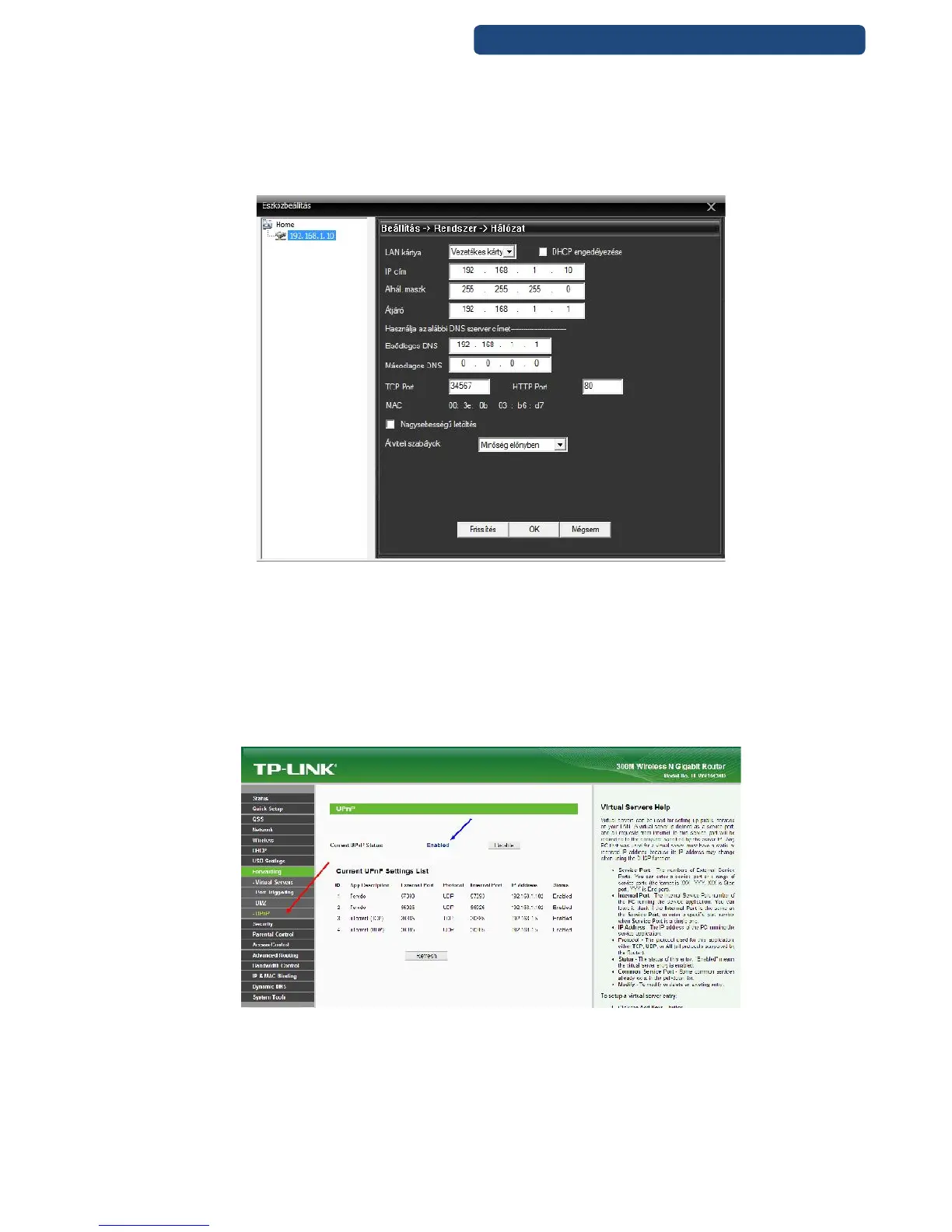
Camera 2: 192.168.1.11
Camera 3: 192.168.1.12
For the same network devices(computer, camera, laptop, tablet) please avoid the same IP
addresses, because it will causes problems.
Please do not change the other settings, only if you are an expert.
76. picture Network settings of the device
Step 5. Click on the OK button.
Note: If the camera will be used on the CMS program after that, it has to to search again, because the IP
address was changed.
12.3.4 Port forwarding
Please use this feature, if your router does not have a UPNP option, otherwise these steps are
unnecessary.
77. picture Router UpnP settings



 To Next Page