6.3 Backup
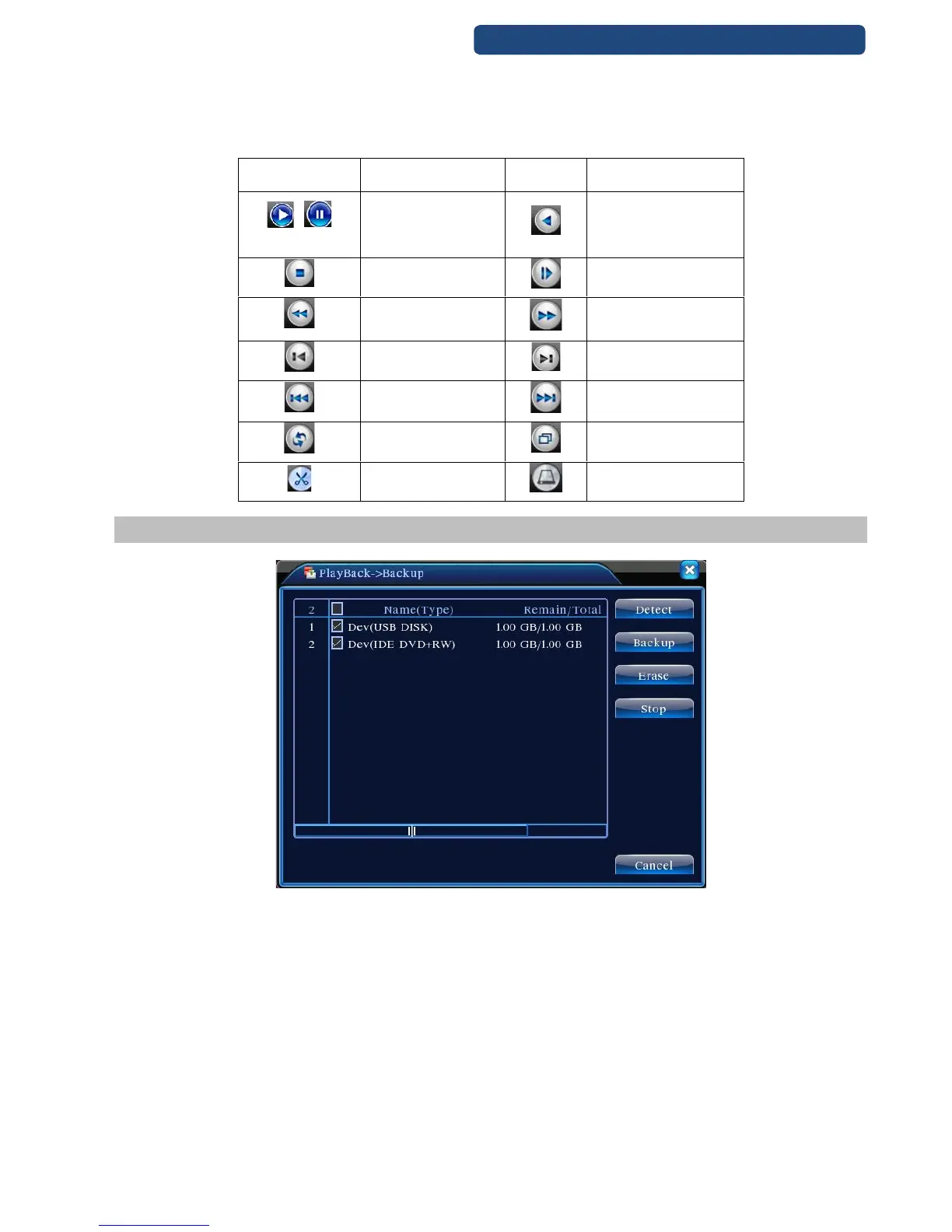
14. picture Backup
Step 1. Plug a pendrive\portable winchester to the USB port of the device.
Step 2. Choose the [Menu]-[Record]-[Save] menu (there can be a short waiting time).
Step 3. Choose the device and click on the Save option. After this a new windows will pop up (see
the chapter)
Detect: Detect the storage connected with the DVR such as hard disk or universal disk.
Erasure: Choose the file to delete and click erasure to delete the file.
Stop: Stop the backup.
Backup: Click backup button and the dialog box is popped up. You can choose the backup file according to
the type, channel and time.



 To Next Page