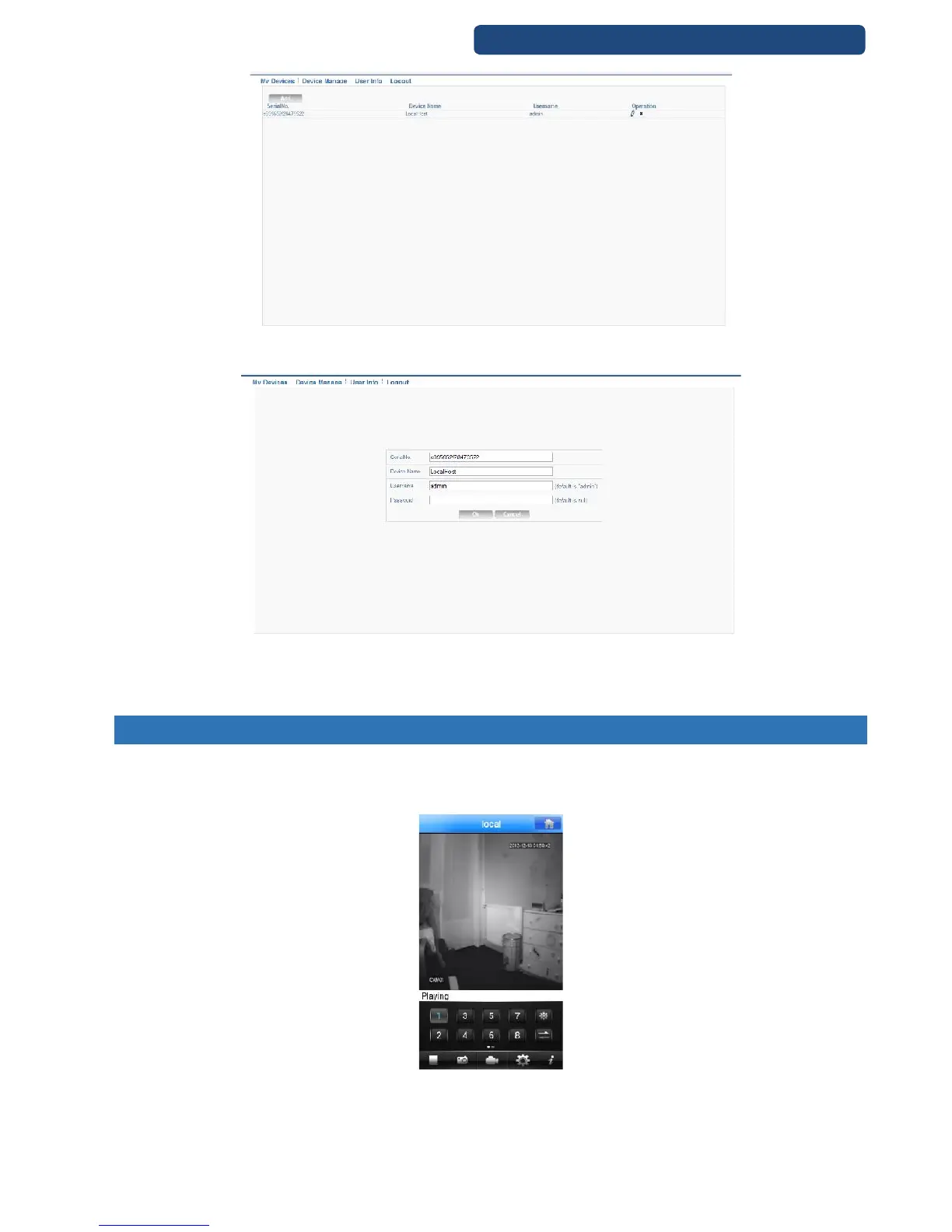
96. picture Device manager
Step 5. Write the factory number, device name, password of the device. Click on the OK button.
97. picture My devices menu
If the settings are OK, on the My devices screen the device will be shown.
15.MOBILPHONE\TABLET ACCESS WITH VMEYE APP
The Vmeye app can be used to watch the surveillance system, control the PTZ cameras.
Available mobilphone’s systems: Android, Blackberry, Iphone, Symbian, Windows mobile.
Step 1. Install the right app for the mobilphone\tablet from the App store.
Step 2. Click on the Settings option.
98. picture Using the Vmeye app
Step 3. Click on the ’Plus’ button to add a device and write the network settings to the fields.



 To Next Page