92. picture Camera screen
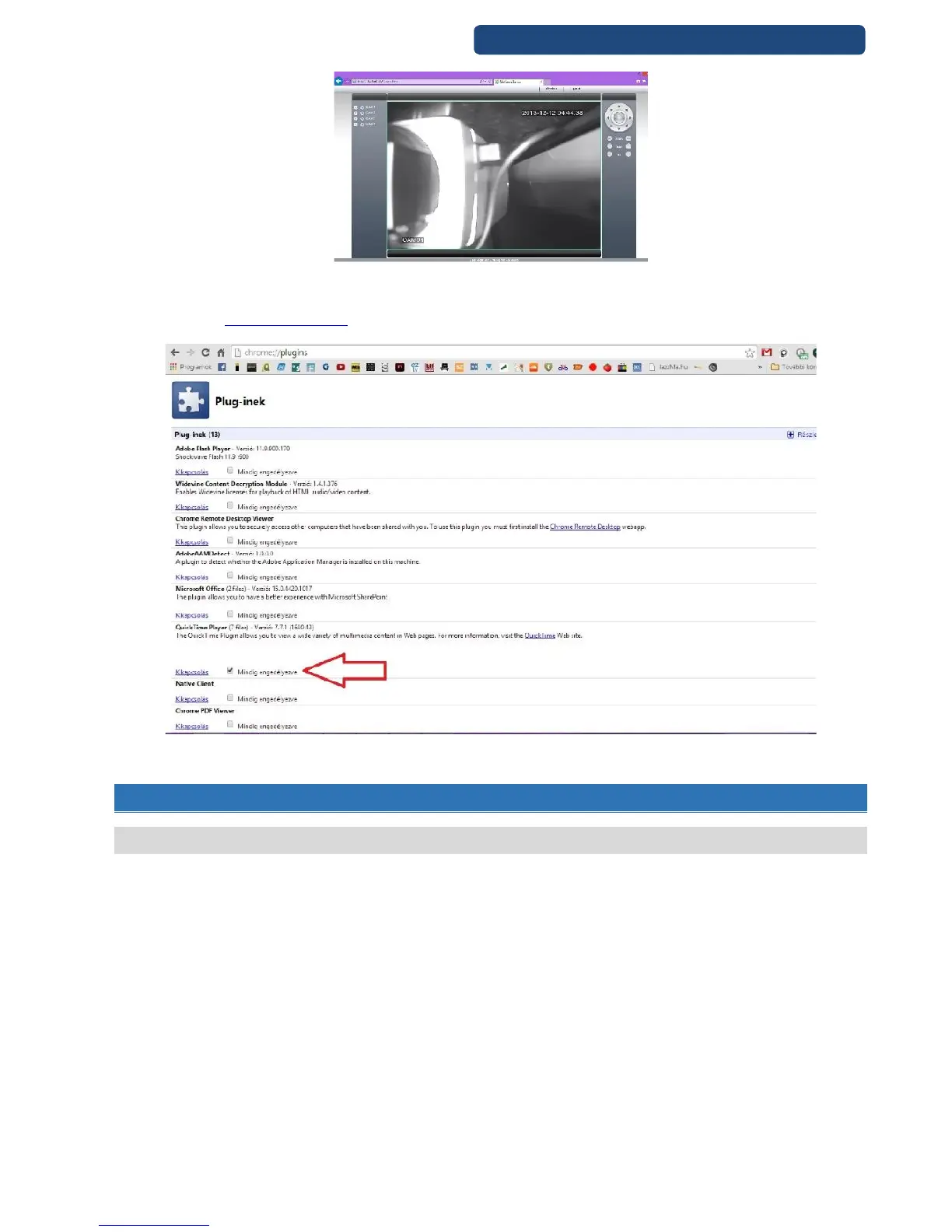
If Chrome is your default browser, you can enable the Quicktime Player to ask nothing while running.
First write the chrome://plugins/ address to browser, and next to the Quicktime PLayer name click ont he
Allways enable option.
93. picture Chrome plugin settings
14.CLOUD CONNECTION\REMOTE ACCESS
14.1 Cloud connection\Remote Access
The devices can be used to remote access without any DynDNS provider.
Step 1. On the device enable the Cloud option in the Netservice- Cloud settings.
Step 2. Write to the browser the http://www.xmeye.net/ address.



 To Next Page