6.11.6 Rotate
Click on horizontal Rotating button, PTZ turn around.
6.11.7 Reset
PTZ restart, all the data clears to 0.
6.12 Logout
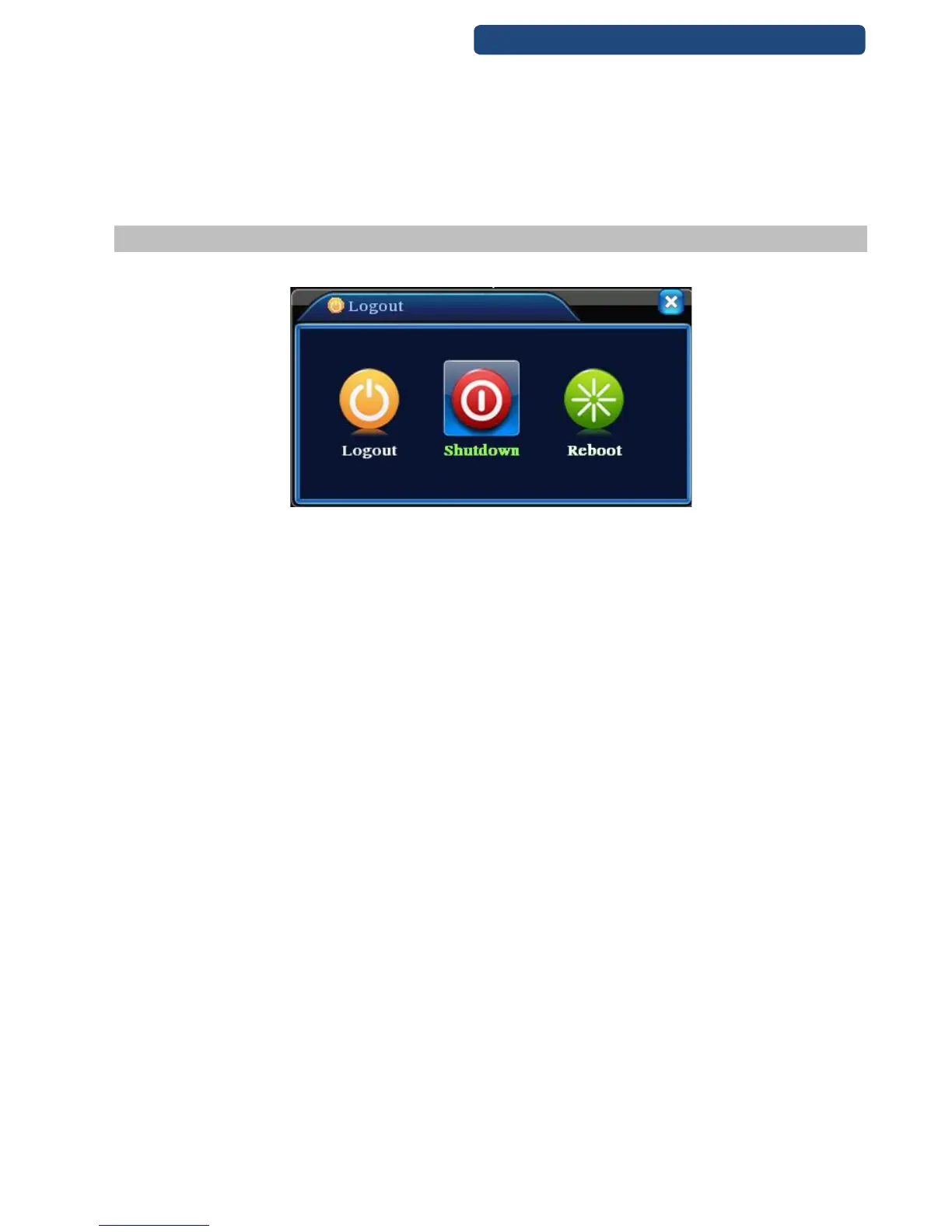
Logout, shut down the system or reboot up. You can use the desktop shortcut menu or enter [main menu].
25. picture Logout
[logout] Quit the menu. Offer password next entrance.
[shut down] Quit the system. Turn off the power supply.
When press the shut down button, there is schedule hint. After three seconds, the system is shut down.
Cancel midway is of no effect.
[reboot] Quit the system. Reboot up the system..



 To Next Page