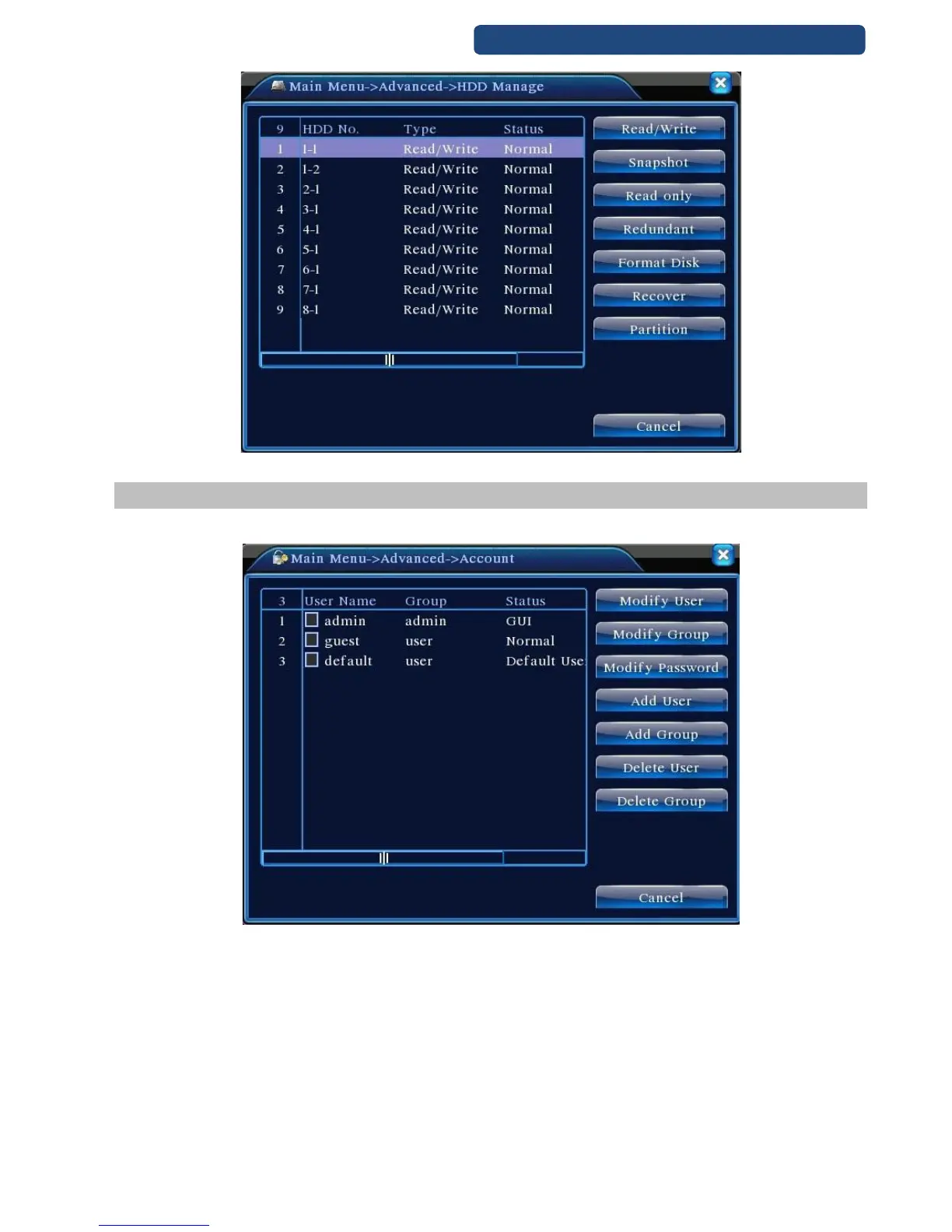
48. picture HDD manage
10.2 Account
Manage the user purview.
49. picture Account settings
Manage the user authority of this device.
Note:
1. The character length is 8 bytes at most for the following user and user team name. The blank ahead
or behind the character string is invalid. The middle blank in the character string is valid. Legal
characters include: letter, number, underline, subtraction sign, and dot.
2. There is no limit in the user and user group. You can add or delete the user group according to user
definition. The factory setup include: user\admin. You can set the team as you wish. The user can
appoint the purview in the group.
3. The user management include: group/ user. The group and user name cannot be the same. Each
user only belongs to one group.



 To Next Page