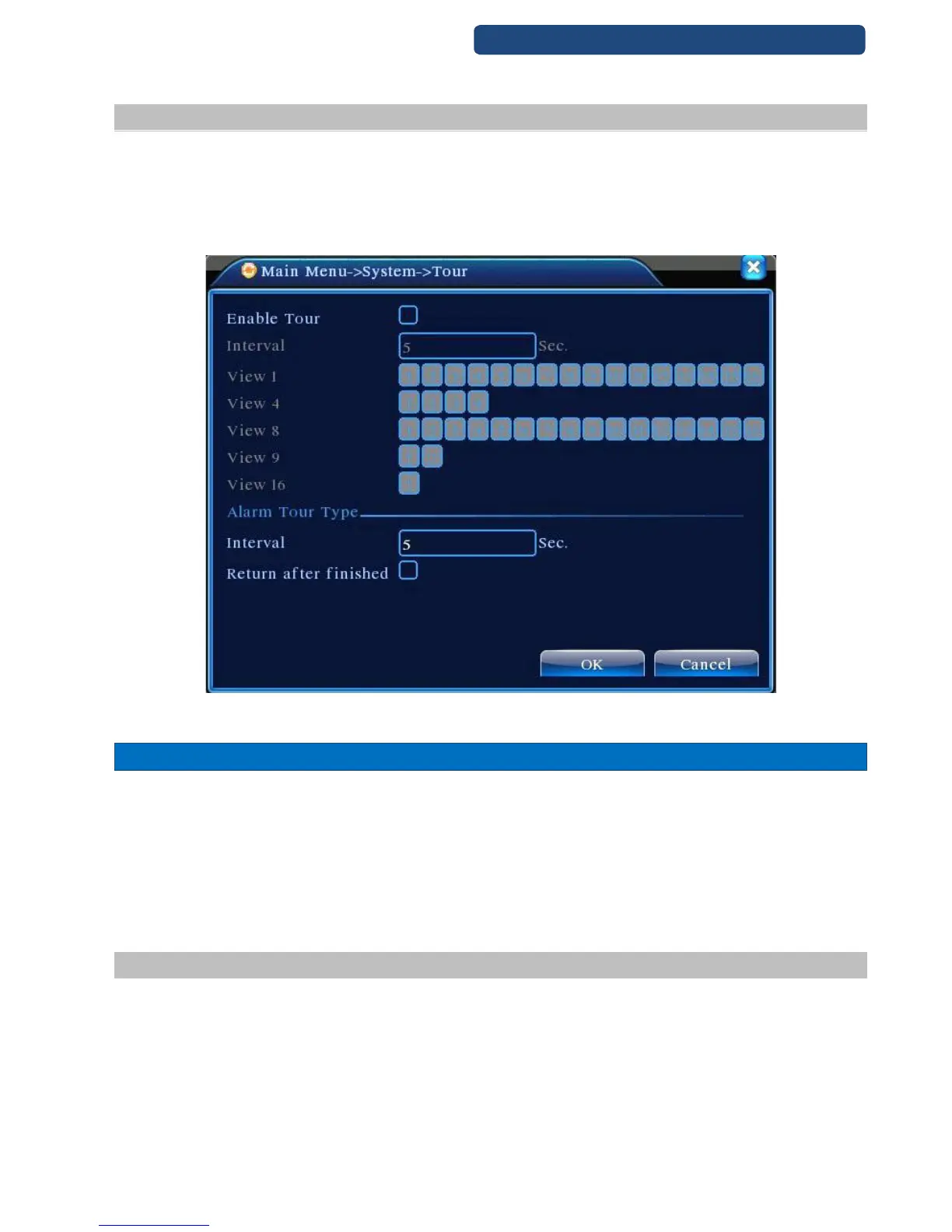
9.5 Tour setup
Set the patrol display. You can choose the single window, four windows, nine windows, sixteen windows
patrol display or single display.
[Interval] Set the patrol switch interval. The set range is 5-120 seconds.
Note: / means turn off/on the patrol.
47. picture Tour setup
10.ADVANCED
HDD manage
Account
Auto Maintain
Default
Import & Export
Upgrade
Reboot
10.1 HDD manage
Configure and manage the hard disk. The menu displays current hard disk information: hard disk number,
input port, type, status and overall capability. The operation include: setup the write-read disk, read-only
disk, redundant disk, hard disk format, resume default. Choose the hard disk and click the right function
button to execute.
Note:
Read/Write Disk:The equipment can write or read data.
Read-only Disk:The equipment can read data but can not write data.
Redundant Disk:Double backup the video files in the write-read disk.



 To Next Page