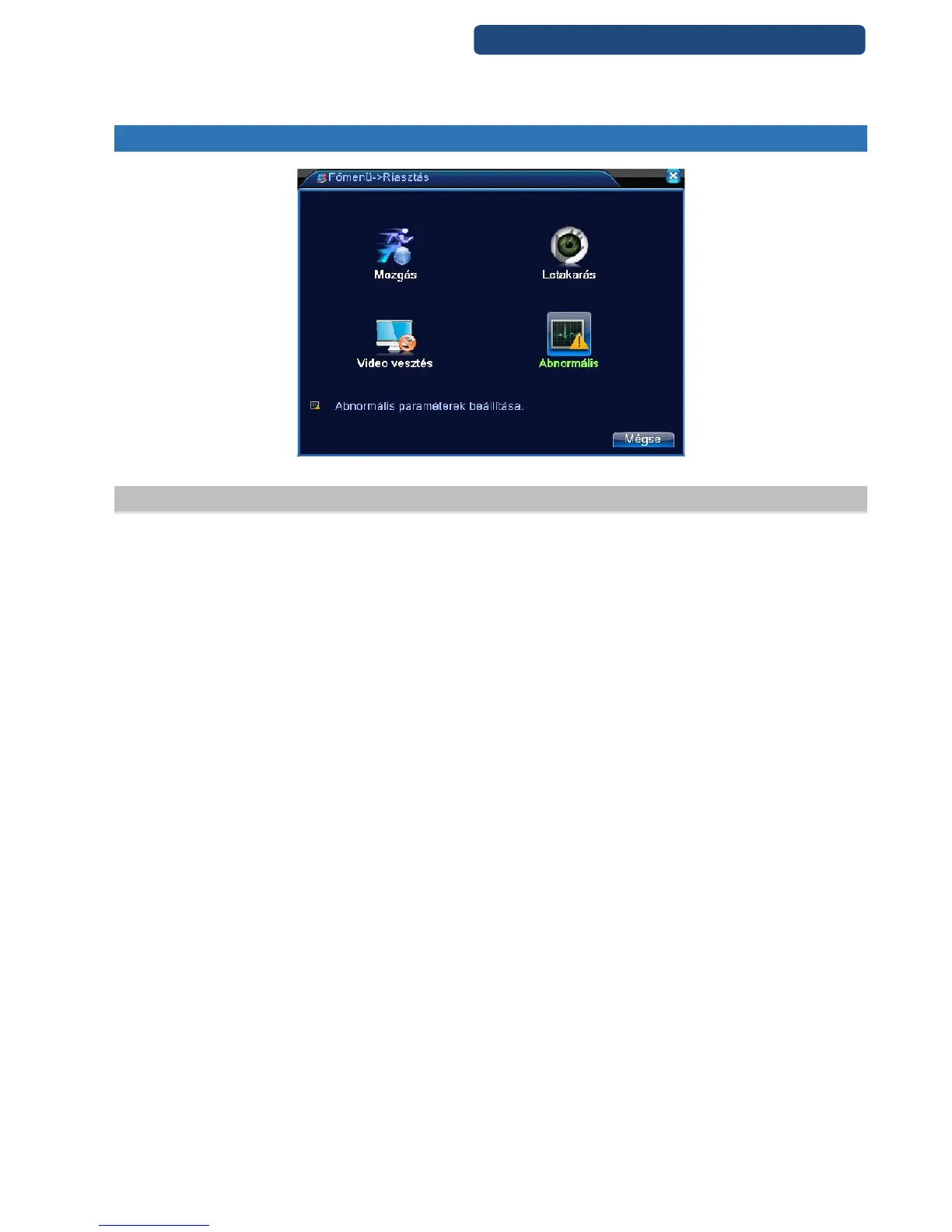
8. ALARM
28. picture Alarm
8.1 Video motion
When the system detects the motion signal that reaches the sensitivity, the motion detection is activated.
[Channel] which channel settings are activated
[Activation] function activation
[Sensitivity] set the sensitivity for the right option
[Area] Click on Settings, and set the area control (the light blue is the guarde, dark blue is ungarded area)
[Period] Set a time frame of when to record
[Alarm output] select the alarm output
[Record channel] select the channel which would you like to record
[Step] step selection
[Delay] When alarm is over, recording will last some seconds (10~300sec), then stop
[Snapshot] snapshot activation
The snapshot can be linked to enable the motion detection in the corresponding period of the [Record
Setting] in (recording settings).
[PTZ activation] when alarm is detected, the PTZ option can be activated (for this option please first set
the right PTZ options in he [PTZ control]
[Email] when alarm happen, link email sending to inform user.
Note: sending email, need to do related setting at[Net service]
[FTP upload] when alarm happens, if record or snapshot channel was chosen, the record file and snapshot
image will be uploaded to the appointed position.
Note: FTP upload, need to do related setting at[Net service]



 To Next Page