12.3.3 Static IP address with CMS
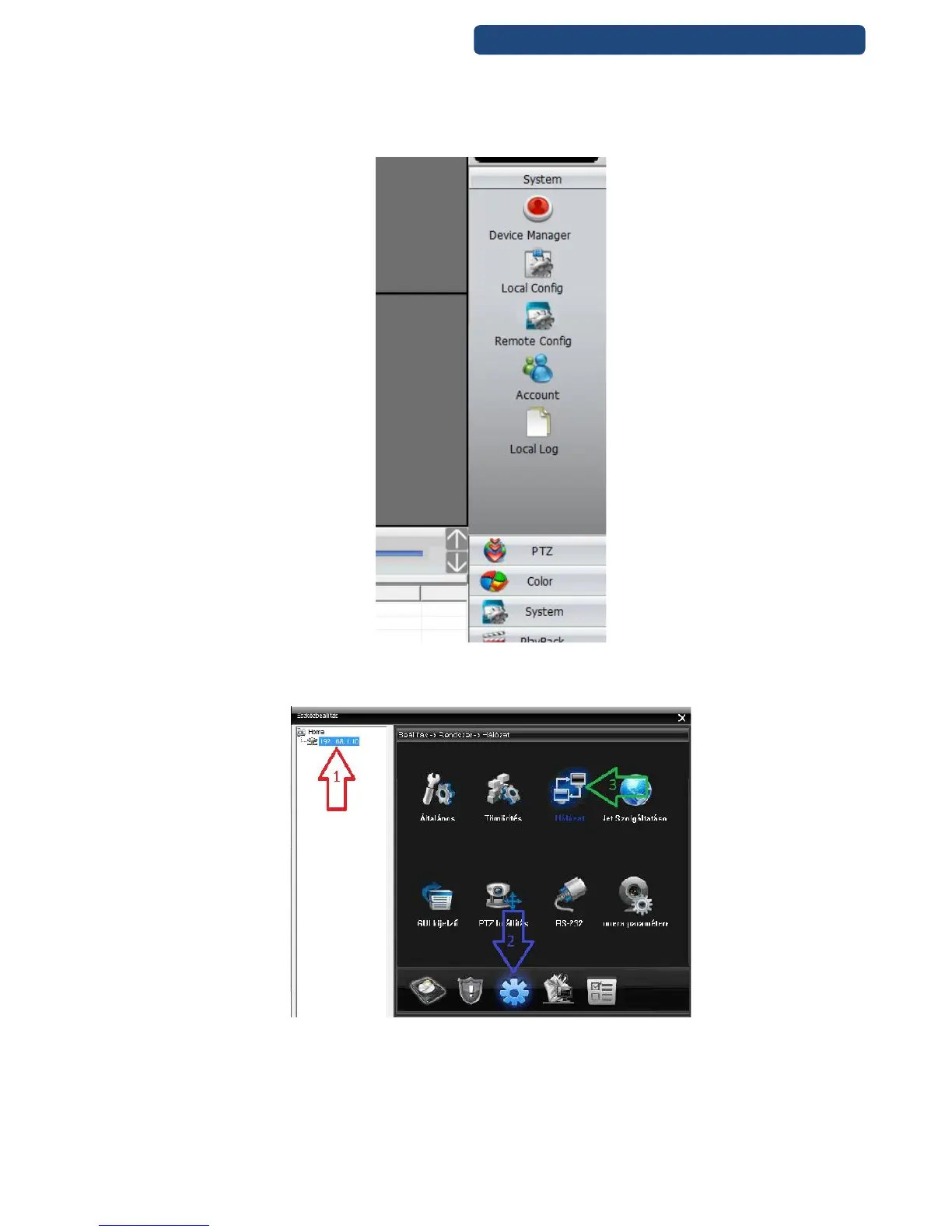
Step 1. Click on the Settings menu and choose the remote settings.
74. picture Remote settings
Step 2. Choose on the left side to which camera will be modified. Click on the Settings and the
Network option.
75. picture Network options
Step 3. In this window can be modified the network settings to the device.
Step 4. First click out the DHCP Enable option.
[IP address] At default is 192.168.1.10, this has to be changed to the right IP address.
(Example for a network system:
Router: 192.168.1.1
Camera 1: 192.168.1.10



 To Next Page