6.5 Recorded files playing on a PC
The recorded files can be watched on the PC:
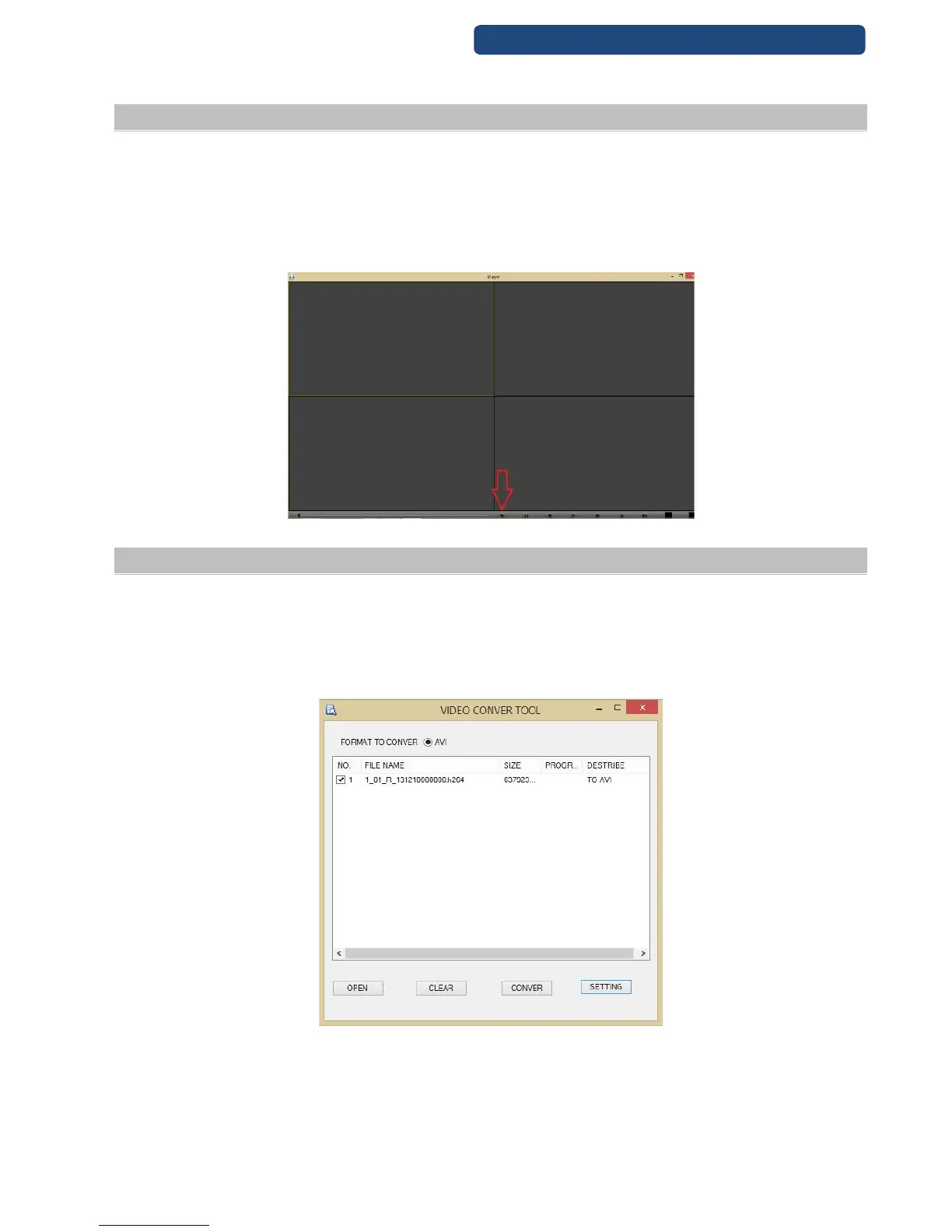
Step 1. Install the Disc Player software from the CD.
Step 2. After the installing, start the program. Click on the play button and choose which file will be
watched.
Step 3. On the PC there are the same functions when playing a file as on the recorder (slow, fast
play,...)
1. H264 Player
6.6 Files Convert
Step 1. Start the Video Converter Tool software (there is no need to install the program, it can be
found on the CD).
Step 2. Click on the Open button and the choose the file(s) will be converted.
Step 3. Click on the Settings menu and choose the right option.
Step 4. Click on the convert button and wait for to finish.
2. Video converter tool



 To Next Page