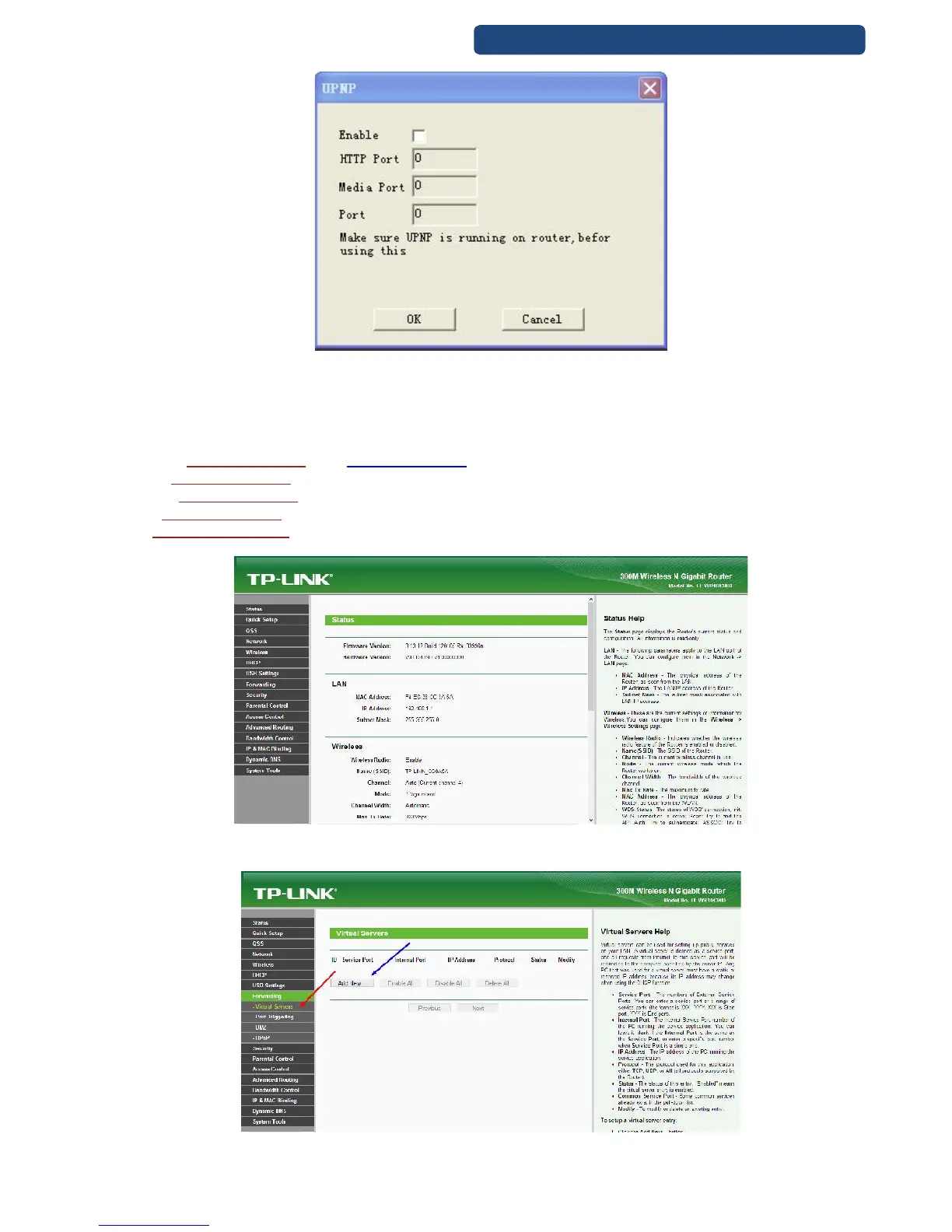
78. picture Enable the UPNP feature on the device too!
Port forwarding steps.
Step 1. Log-in to the router admin screen. (Write the IP address of the router to the browser)
Default IP addresses for different type of routers (Please check in your router’s manual guide)
TP-LINK:http://192.168.1.1 vagy http://192.168.0.1
D- link:http://192.168.0.1
Linksys:http://192.168.2.1
Asus:http://192.168.2.1
ZTEhttp://192.168.1.254)
79. picture Router admin screen
Step 2. Choose the Forwarding option and click on the Add new option.
80. picture Virtual servers



 To Next Page