p.41PUBLIC IP NETWORK SETTING
bed, STARWATCH ENTERPRISE program has been already installed.
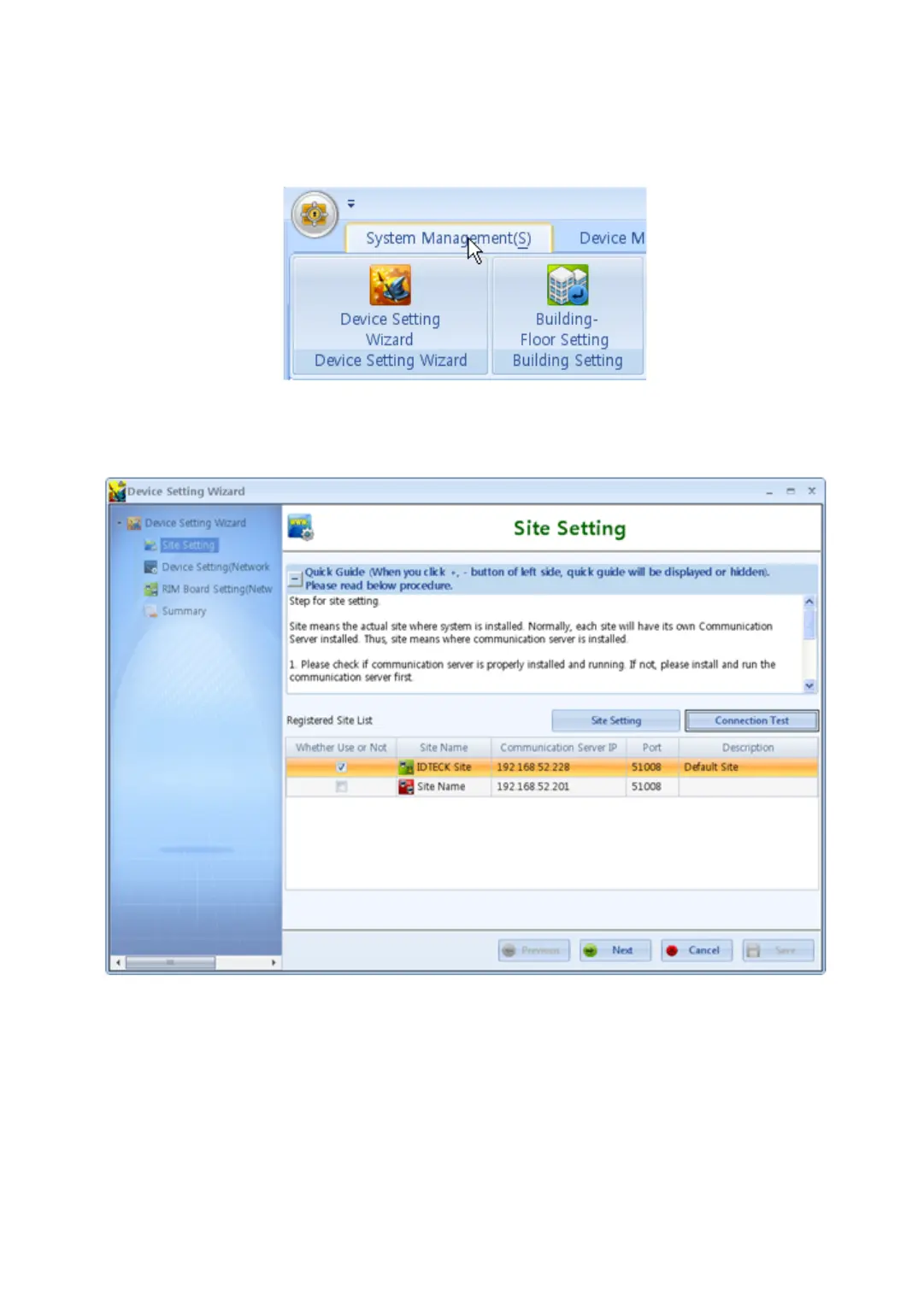
1. Select the Device Setting Wizard on main tool bar.
2. Site setting is displayed. If there are already existed sites, double clik the registered site.
3. To register new site, click the ‘Site Setting’ button.Input the ‘Site Name’ where you want
to install the device. Input the IP adress of your PC that has installed communication ser
ver for ‘Communication Server IP’. For example if your IP adress is 192.168.52.10, input
192.168.52.10 for ‘Communication Server IP’. Input the 51008 (defualt values) for ‘Port
Number’.



 To Next Page