20
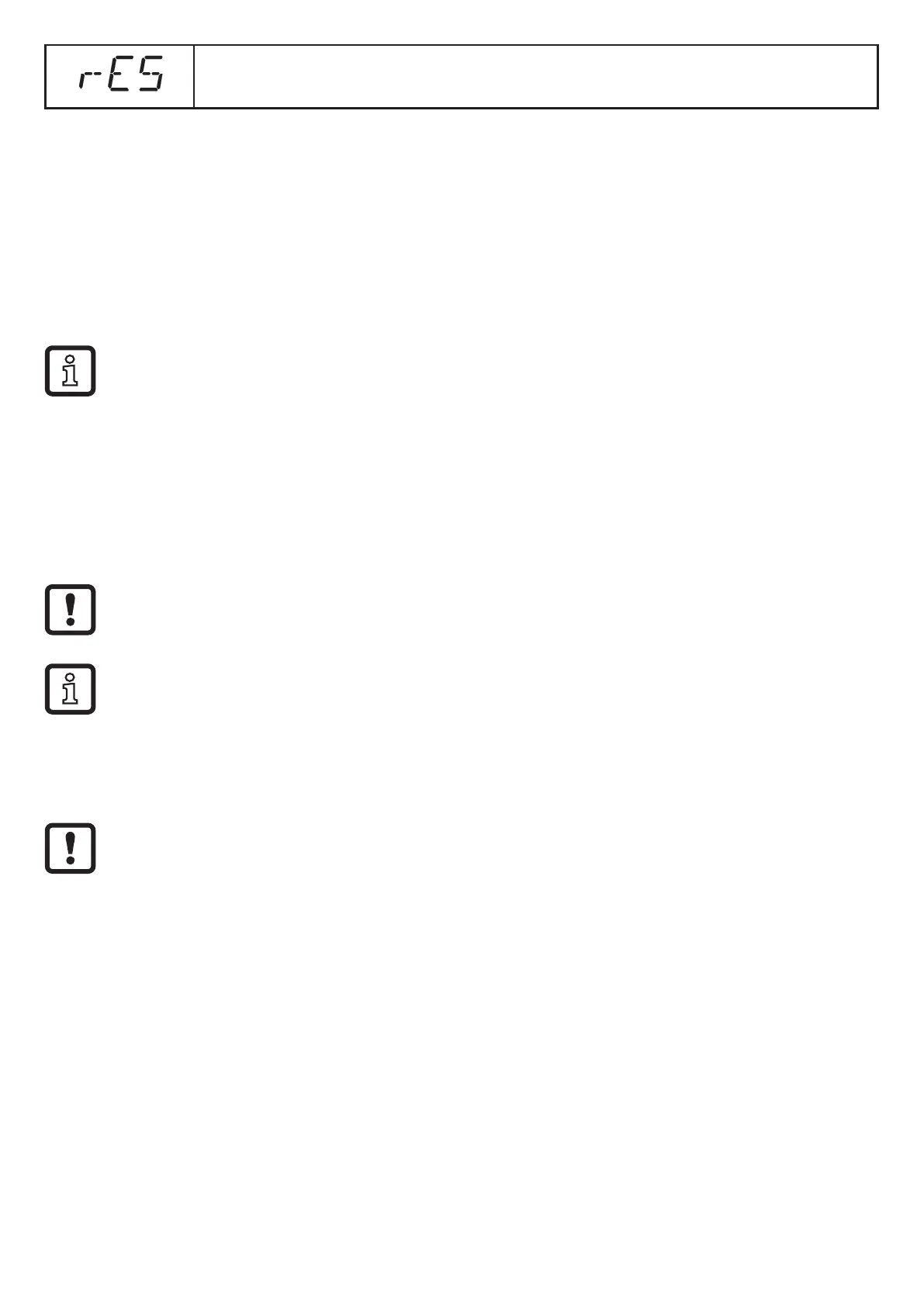
Restore the factory setting
→ 10.4.7 Reset of all parameters to factory setting
9 Set-up
► After installation, electrical connection and parameter setting, check whether
the unit operates correctly�
> If the unit has been correctly set up, the distance to the level is indicated�
→ 10.2 Entering the reference level (unit on delivery)�
Lifetime of a laser diode: 50 000 hours�
10 Parameter setting
During parameter setting the unit remains in the operating mode internally� It
continues its monitoring function with the existing parameters until the change has
been completed�
On delivery the reference level has to be set first, otherwise the unit is not
operational� → 10.2 Entering the reference level (unit on delivery)
The parameters can also be set via the IO-Link interface → 4.4 IO-Link�
10.1 General parameter setting
10.1.1 Setting of the parameter value
Set the display unit [Uni] before the values for the parameters are defined�
In case of subsequent changes of the display unit rounding errors during
internal conversion to other units may falsify the set values → 10.3.1
Selection of the display unit�



 To Next Page