17
UK
8.2 Explanation of the menu
For the factory settings please refer to the end of these instructions (→ 14 Factory
setting)�
8.2.1 Factory setting
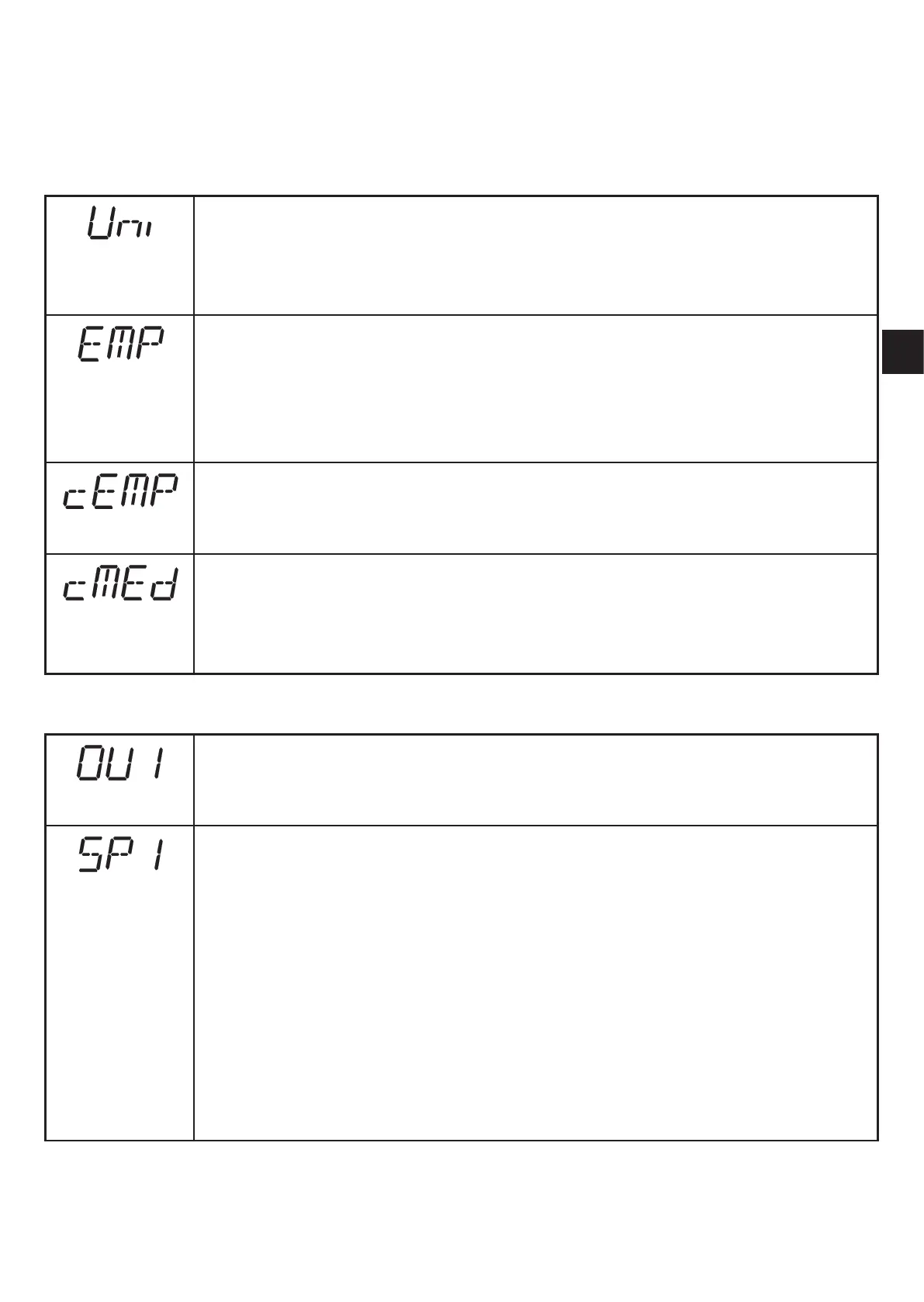
Setting of the display unit
Selection of the unit of measurement for [SP1], [SP2], [ASP], [AEP]
Options: [cm] [m] [inch]
→ 10.3.1 Selection of the display unit
Free choice of the tank height
If the height of the tank is known, it can be entered without the unit being
mounted� The entered distance is used as reference level�
Distances between 20�0���999�5 cm can be selected�
→ 10.2.1 Free choice of the tank height
Carry out the basic teach empty state
The bottom of an empty tank can be set as reference level�
→ 10.2.2 Carry out the basic teach empty state
Adjustment to the reference level
The current level of a partly filled tank can be entered as numerical value�
Based on this data the future reference level is calculated�
→ 10.2.3 Carry out the adjustment to the reference level
8.2.2 Main menu
Configuration for output 1
4 switching functions can be selected:
[Hno], [Hnc], [Fno], [Fnc] → 10.3.3 Configure OUT1
Switch point for window and hysteresis function OUT1
Hysteresis function
Upper limit value at which the output with selected hysteresis function
changes its switching status (medium nearer / farther than distance set)�
• [SP1] is the set point if [OU1] = [Hno]
• [SP1] is the reset point if [OU1] = [Hnc]�
→ 10.3.4 Setting of the switch points for hysteresis function OUT1
Window function
[SP1] is the upper limit value at which the output with selected window
function changes its switching status if [OU1] = [Fno] or [Fnc]�
→ 10.3.5 Setting of the switch points for window function OUT1



 To Next Page