8
4.1.2 Window function
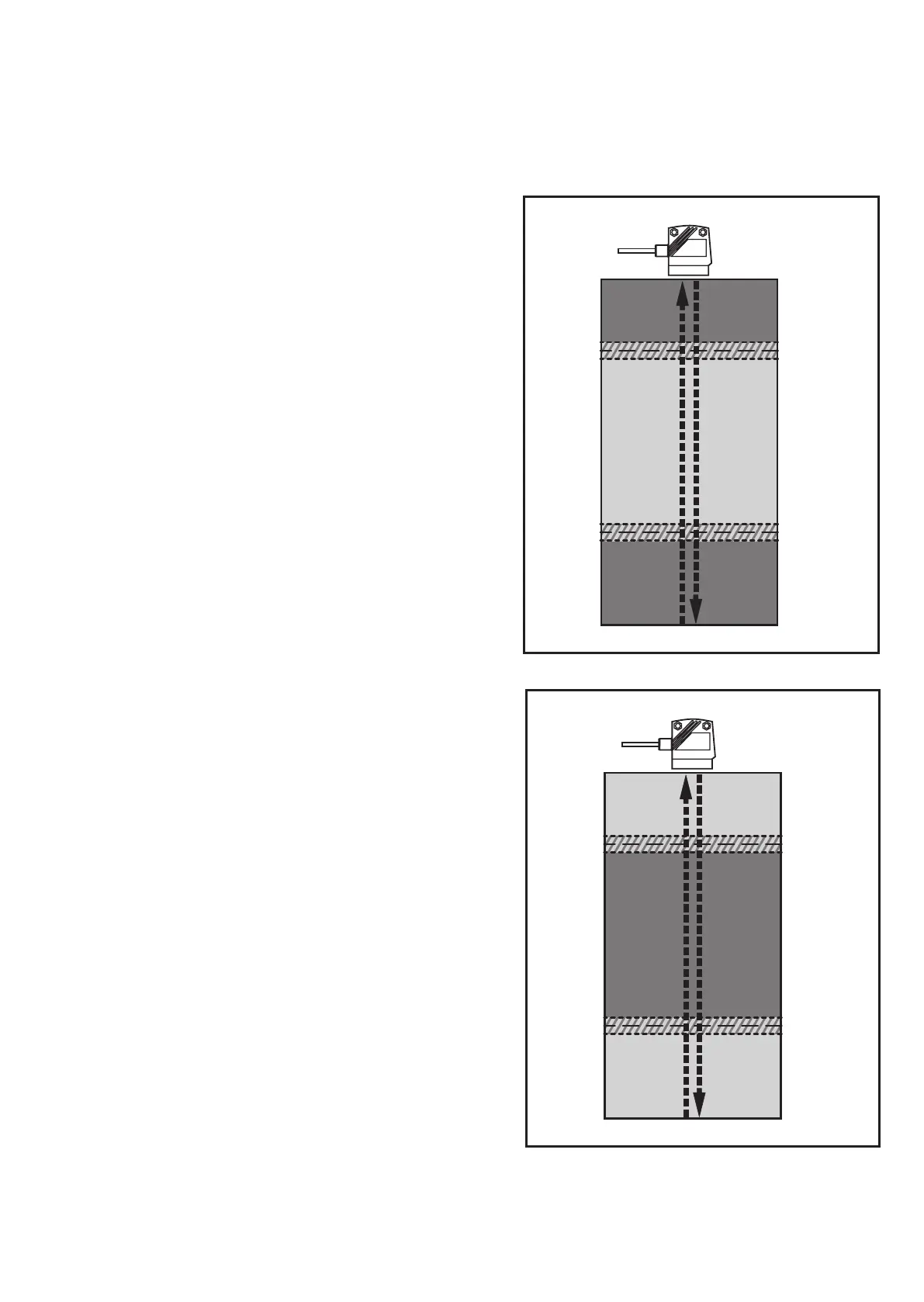
The window function enables the monitoring of a defined acceptable range� Both
outputs (OUT1 and OUT2) can be set as window function (→ 10.3.3 and →
10�3�6)�
Switches when the medium is detected
If the measured value is between the lower
limit value [rPx] and the upper limit value
[SPx], the output is closed (if [OUx] = [Fno])�
FE = window; HY = hysteresis*;
[SPx] =
upper limit value
;
[rPx] =
lower limit value
Switches off when the medium is
detected
If the measured value is between the lower
limit value [rPx] and the upper limit value
[SPx], the output is open (if [OUx] = [Fnc])�
FE = window; HY = hysteresis*;
[SPx] = upper limit value;
[rPx] = lower limit value
* A switching hysteresis is set for each window limit value� It cannot be configured but
depends on distance and sampling rate�



 To Next Page