27
UK
10.3.6 Configure OUT2
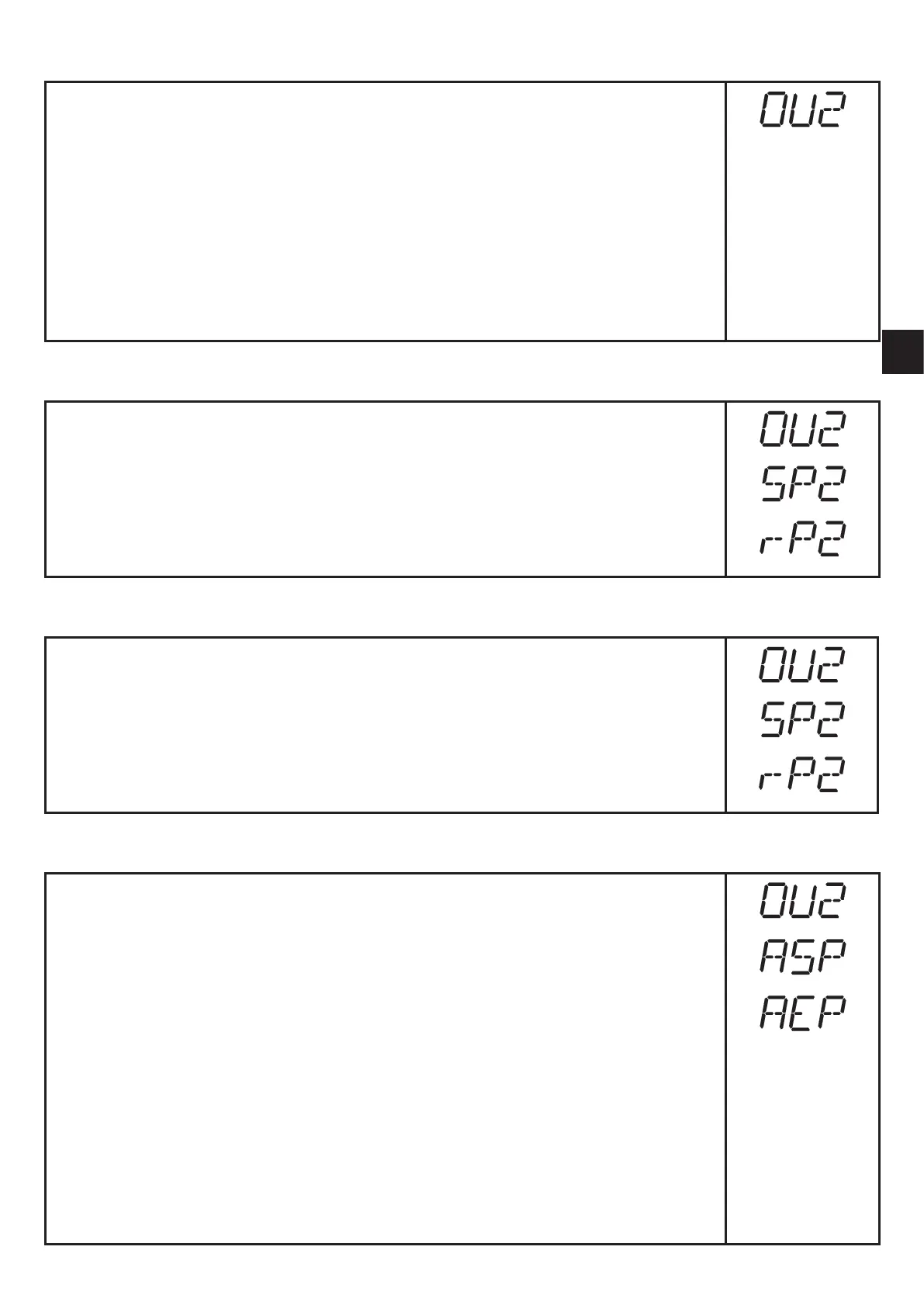
► Select [OU2]�
► Set switching functions or analogue signals:
• [Hno] = hysteresis function / normally open
• [Hnc] = hysteresis function / normally closed
• [Fno] = window function / normally open
• [Fnc] = window function / normally closed
• [I] = current output analogue 4���20 mA
• [U] = voltage output analogue 0���10 V
► Confirm with [MODE/ENTER]�
10.3.7 Setting of the switch points for hysteresis function OUT2
► In [OU2] select the output function [Hno] or [Hnc]�
► Confirm with [MODE/ENTER]�
► Select [SP2] and set the set point�
► Confirm with [MODE/ENTER]�
► Select [rP2] and set the reset point�
► Confirm with [MODE/ENTER]�
10.3.8 Setting of the switch points for window function OUT2
► In [OU2] select the output function [Fno] or [Fnc]�
► Confirm with [MODE/ENTER]�
► [Select SP2] and set the upper limit value�
► Confirm with [MODE/ENTER]�
► Select [rP2] and set the lower limit value�
► Confirm with [MODE/ENTER]�
10.3.9 Scaling of the measuring range (analogue output)
► In [OU2] select [I] or [U]�
► Confirm with [MODE/ENTER]�
► Select [ASP] and set the "Analogue start point"� With [ASP] you define
at which measured value the output signal is 4 mA / 0 V�
► Confirm with [MODE/ENTER]�
► Select [AEP] and set the "Analogue end point"�
With [AEP] you define at which measured value the output signal is 20
mA / 10 V� [AEP] can also be selected so that it is below [ASP]� This
implements a falling edge�
► Confirm with [MODE/ENTER]�
Minimum distance between [ASP] and [AEP]: 10.0 cm.
When the minimum distance is not reached, the error message "SIZE" is
displayed�



 To Next Page