26
10.3.2 Setting the display
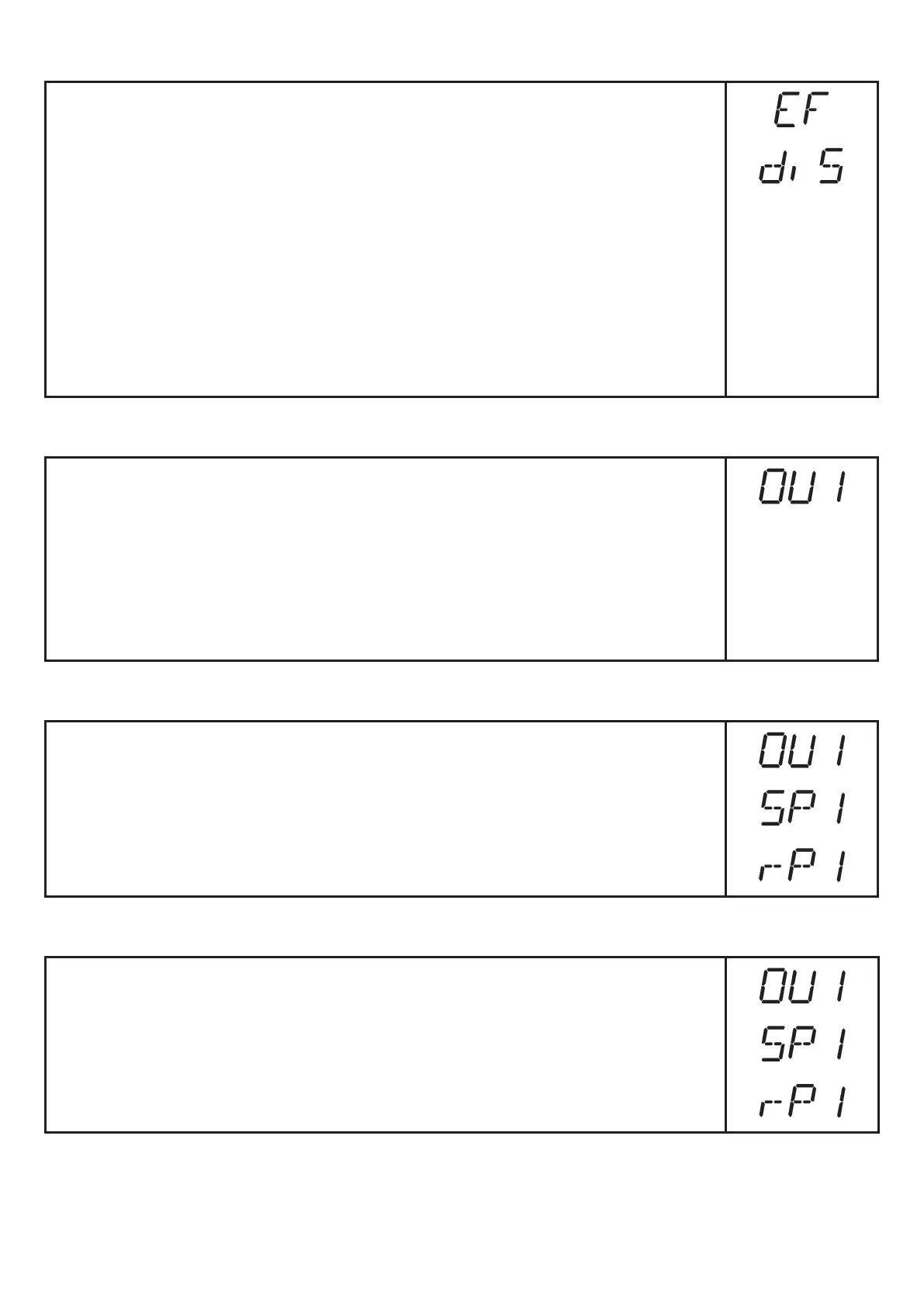
► Change to [EF]�
► Select [diS] and make settings�
2 settings can be selected:
• [ON] = the measured value display is activated in the Run mode�
Update of the measured values every 600 ms�
• [OFF] = The measured value display is deactivated in the Run mode�
Press one button to indicate the current measured value for 15 s�
The update of the measured value only refers to the display� It has no
effect on the outputs�
► Confirm with [MODE/ENTER]�
The LEDs remain active even if the display is deactivated�
10.3.3 Configure OUT1
► Select [OU1] and set the switching functions�
Switching functions:
• [Hno] = hysteresis function / normally open
• [Hnc] = hysteresis function / normally closed
• [Fno] = window function / normally open
• [Fnc] = window function / normally closed
► Confirm with [MODE/ENTER]�
10.3.4 Setting of the switch points for hysteresis function OUT1
► In [OU1] select the output function [Hno] or [Hnc]�
► Confirm with [MODE/ENTER]�
► Select [SP1] and set the set point�
► Confirm with [MODE/ENTER]�
► Select [rP1] and set the reset point�
► Confirm with [MODE/ENTER]�
10.3.5 Setting of the switch points for window function OUT1
► In [OU1] select the output function [Fno] or [Fnc]�
► Confirm with [MODE/ENTER]�
► Select [SP1] and set the upper limit value�
► Confirm with [MODE/ENTER]�
► Select [rP1] and set the lower limit value�
► Confirm with [MODE/ENTER]�



 To Next Page