25
UK
10.2.4 Unsuccessful adjustment
In case of unsuccessful adjustment, the cause is displayed briefly([++], [- -],
[nEAr], [Far], [bAd], [dEEP]), then [FAIL]� The new reference point is rejected�
Display Possible cause
[++] too much light, e�g reflective surface
[- -] not enough light, no medium
[nEAr] The level is below the min� measuring distance < 20�0 cm
[Far] The level exceeds the max� measuring distance > 1000�0 cm
[bAd] The measurement is too noisy
[dEEP] Reference level > 1000�0 cm
10.2.5 Successful setting of the reference level
Parameter values ([SPx], [rPx], [ASP], [AEP]) which are not possible with the
newly set reference level are recalculated on the basis of the new measuring
range available�
10.3 Configuration of the basic settings
10.3.1 Selection of the display unit
Set [Uni] before the values for the parameters [SPx], [ASP], [AEP] are
defined�
In case of subsequent changes of the display unit rounding errors during
internal conversion to other units may falsify the set values�
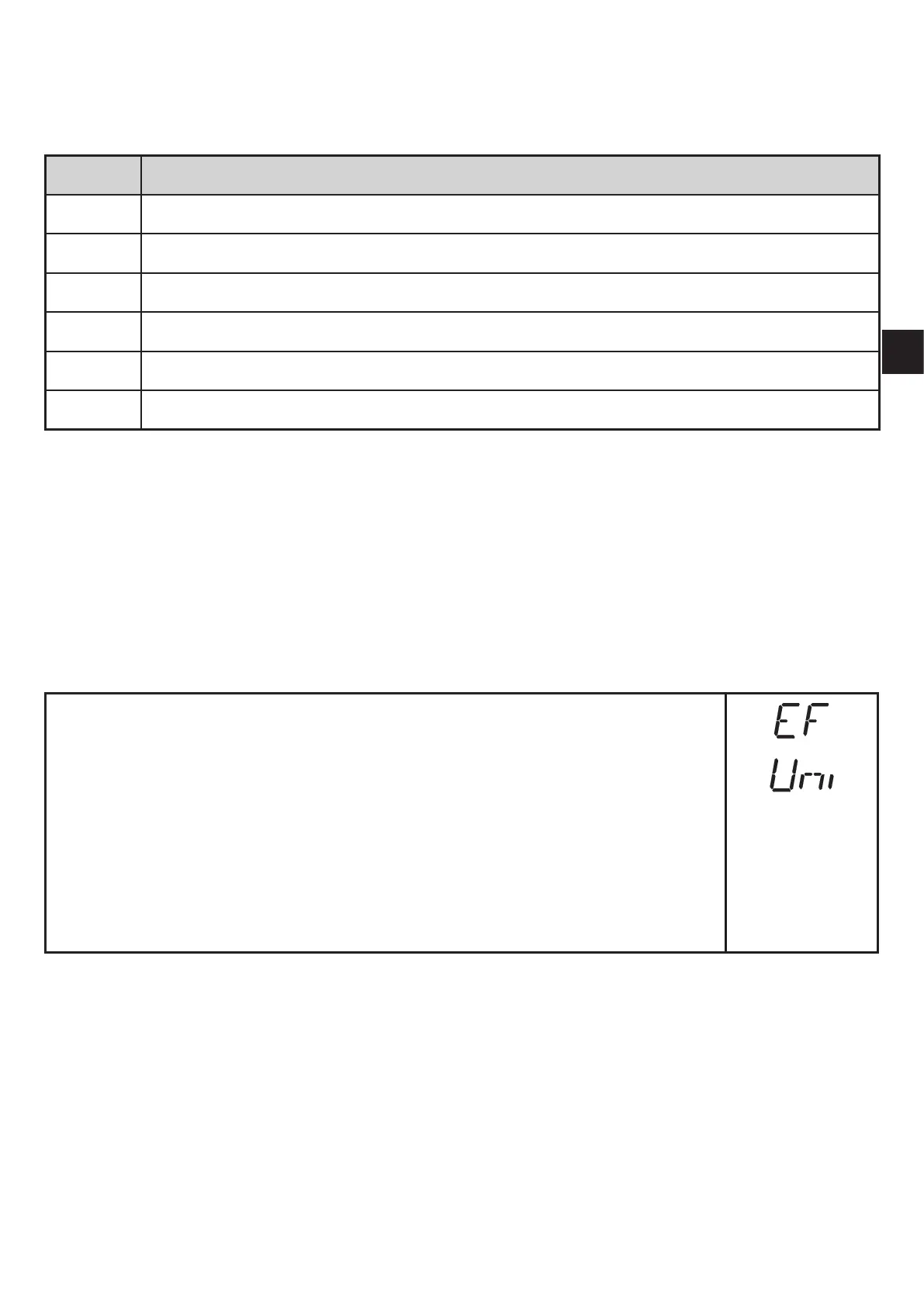
► Change to [EF]�
► Select [Uni] and set the unit of measurement�
Selection of the unit of measurement: [cm], [m], [inch]
► Confirm with [MODE/ENTER]�
> The selected unit is indicated by a green LED on the display�



 To Next Page