www.ikegps.com/quickstart Page 15 www.ikegps.com/support
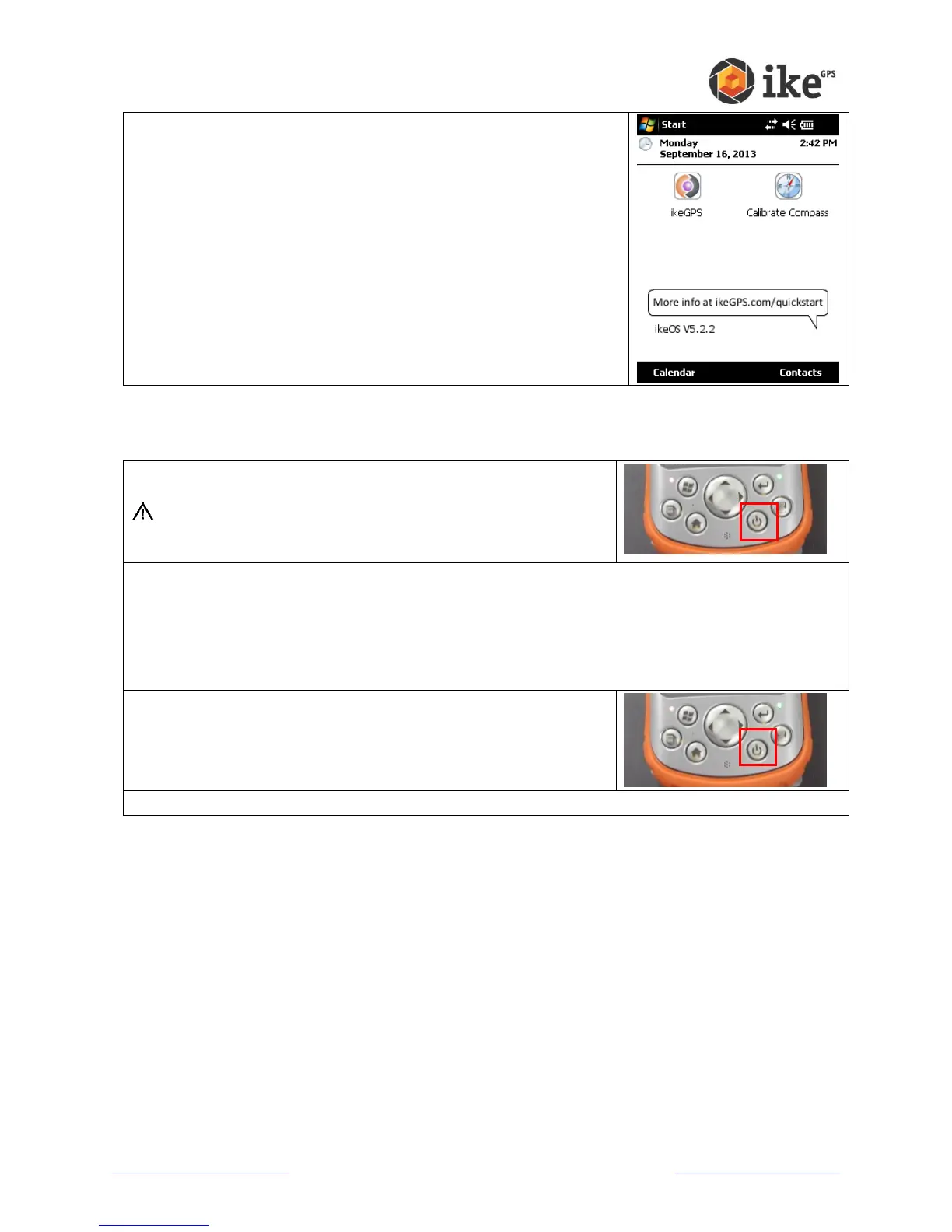
Allow the ike unit to fully power up past any start up screens and return
to the ike home screen.
If you have purchased/received any additional/spare batteries with your ike unit/kit, please
repeat the above process to ensure that the correct capacity levels are set.
Suspend the ike unit by pressing once on the Power button. This
should cause the LCD screen to dim.
WARNING! Changing batteries should only be performed
when the unit is suspended or disconnected from external
power.
Similar to the Turning your ike on for the first time instructions, replace the battery by:
releasing the lock,
remove the battery cover
remove the existing battery
fit the new uncharged battery
replace and relock the battery cover.
Un-suspend the ike unit by pressing once on the Power button.
This should cause the LCD screen to return to the last screen.
Fully charge the new battery using the previous steps to monitor the charge status until fully charged.



 To Next Page