Operation Manual Page 23
B Software Operation
B.1 The Integrated User Interface
Essentially, the scanner is a web server and comes with its own HTML based user
interface. To access a Scan2Net scanner, any standard web browser can be utilized.
Start your browser.
Enter the IP address of the scanner. The default IP address of the scanner: 192.168.1.50
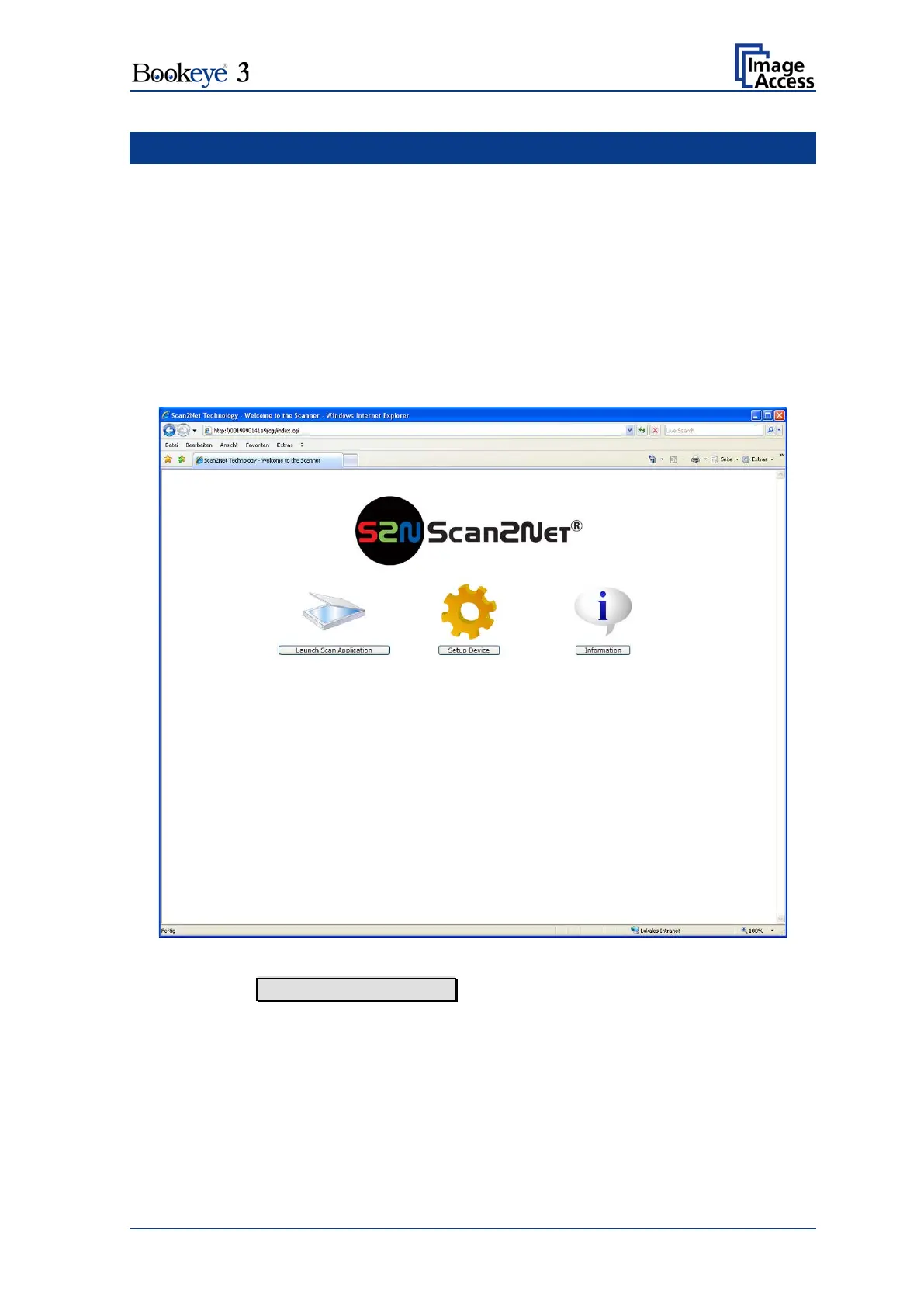
The following start screen of the integrated user interface will be displayed.
Picture 10: Start screen
Click the button Launch Scan Application .











 To Next Page